Axio Imager 2 FIRST-TIME SET-UP ZEISS
Mechanical stage 75x50 mot. CAN
01/2016 430000-7544-001 81
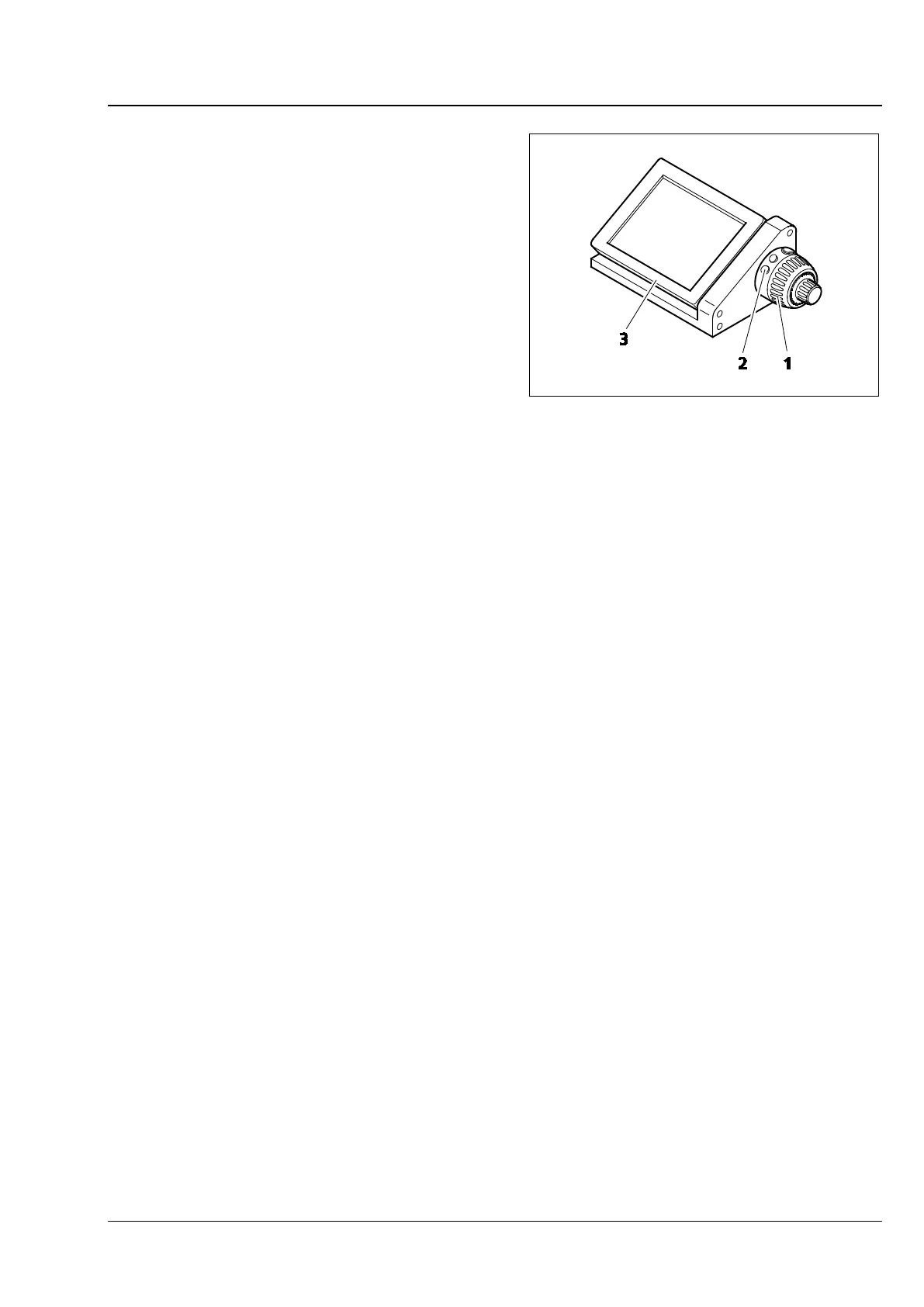
3.37.5 Docking station
• The docking station can only be used in
conjunction with the motorized stand.
• If it is inconvenient to operate the microscope
stand from the right-hand side, the functions of
the touch screen TFT display (Fig. 74/3 on the
docking station), the control ring to the right
(corresponds to Fig. 74/2 on the docking
station) and the focusing drive to the right
(corresponds to Fig. 74/1 on the docking
station) can be operated via the docking
station, detached from the stand.
• Default button allocation can be altered via the
TFT display.
• It is possible to change the angle of the TFT
display with the aid of the two knurled screws
(see also Fig. 38/4) located on the back of the
docking station.
• The coaxial drive (Fig. 70/4) of the motorized
mechanical stage may be removed from the
latter (see Section 3.37.1). With the help of two
screws, it can be vertically fastened to the back
of the docking station.
Fig. 74 Docking station with TFT display,
control ring and focusing drive








 To Next Page