ZEISS OPERATION Axio Imager 2
Operating the motorized microscope via the touchscreen of the TFT display
126 430000-7544-001 01/2016
4.8.6 Config page
The Config page can be accessed from the Home page by pressing the Config button on the navigation
button bar.
The motorized stage is configured in this part of the software.
Some of the information is required for the automatic Light Manager and Contrast Manager
functions. This includes configuration of the objectives, eyepieces and the illumination
configurati
on for reflected and transmitted light (see below). This is essential, since other
functions (TL / RL switching, the control ranges of the illuminators (HAL, LED and VIS-LED), Light
Manager calculation and Contrast Manager) depend on this.
The Config page provides access to the following pages: Components, Extras and Info.
4.8.6.1 Components page
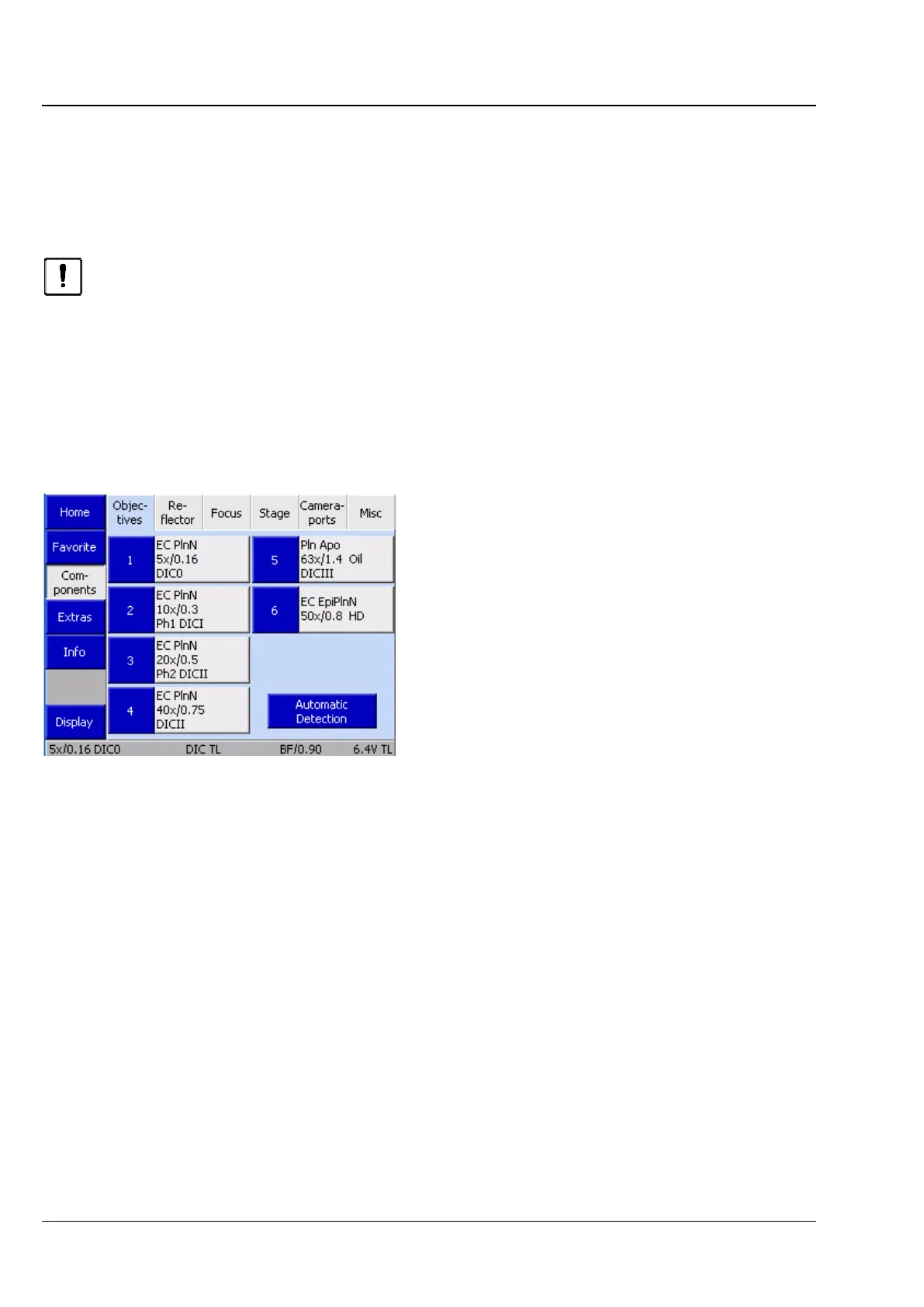
(1) Objectives
The tab allows the user to configure the objectives.
The tab contains up to seven buttons, depending
on the actual number of objective mounts on the
nosepiece. Before any objectives have been
configured, the buttons are labeled only with the
numbers of the nosepiece positions.
After an objective position has been configured,
the following data is displayed: Designation of
objective, Magnification, Numerical Aperture (NA),
Immersion.
• Press the relevant button to configure a turret
position.
Fig. 126 Microscope -> Config ->
Components -> Objectives








 To Next Page