Axio Imager 2 OPERATION ZEISS
Operating the motorized microscope via the touchscreen of the TFT display
01/2016 430000-7544-001 111
− Make It Visible! Button (Fig. 100/3)
This button switches the microscope to a basic state:
Transmitted-light lamp set to medium intensity (2.3 V),
Luminous-field diaphragm opened,
Aperture diaphragm opened
TL shutter open,
RL shutter closed,
All filter wheels in transmitted light switched to blank aperture (100% directed to eyepieces),
Condenser switched to brightfield,
Reflector turret switched to the nearest HAL- position (Halogen = transmitted light),
Light path switched 100% to eyepieces.
4.8.4 Favorite page
In order to increase the operation efficiency of the
microscope, a frequently used page can be set as a
favorites page. When selected, the system jumps
directly to this page. For the procedure of how to
define this page, see also Section 4.8.6.
4.8.5 Microscope page
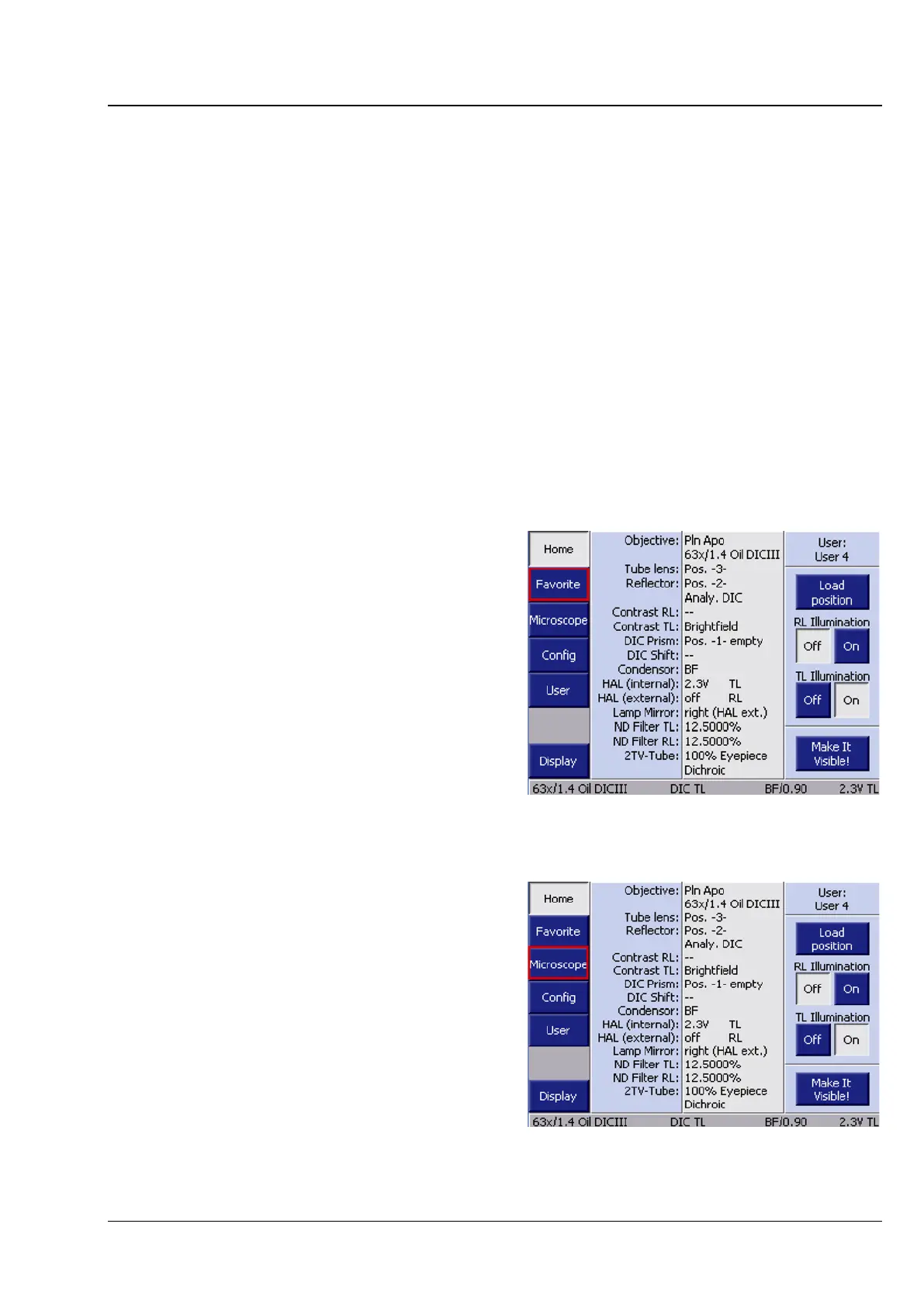
By pressing the Microscope button in the
navigation bar on the Home page, the user can
access the microscope operation pages (compare
Fig. 103):
− Turret
− Illumination
− Automatic operation
− XYZ
Fig. 102 Selecting the Microscope page








 To Next Page