ZEISS FIRST-TIME SET-UP Axio Imager 2
Mechanical stage 75x50 mot. CAN
80 430000-7544-001 01/2016
3.37.3 Mounting the specimen holder on the mechanical stage
• Mount the desired mechanical stage, see Section 3.35.6 on page 74.
3.37.4 CAN/USB converter
On manual stands, CAN bus stages (432024-9903-
000 or 432026-9000-000) can be connected
directly to the PC via the CAN / USB converter.
Unlike motorized stands, the speed of stage travel
cannot be adjusted depending on magnification.
• Use the CAN bus cable to connect the CAN
connector of the mechanical stage (Fig. 71/1) to
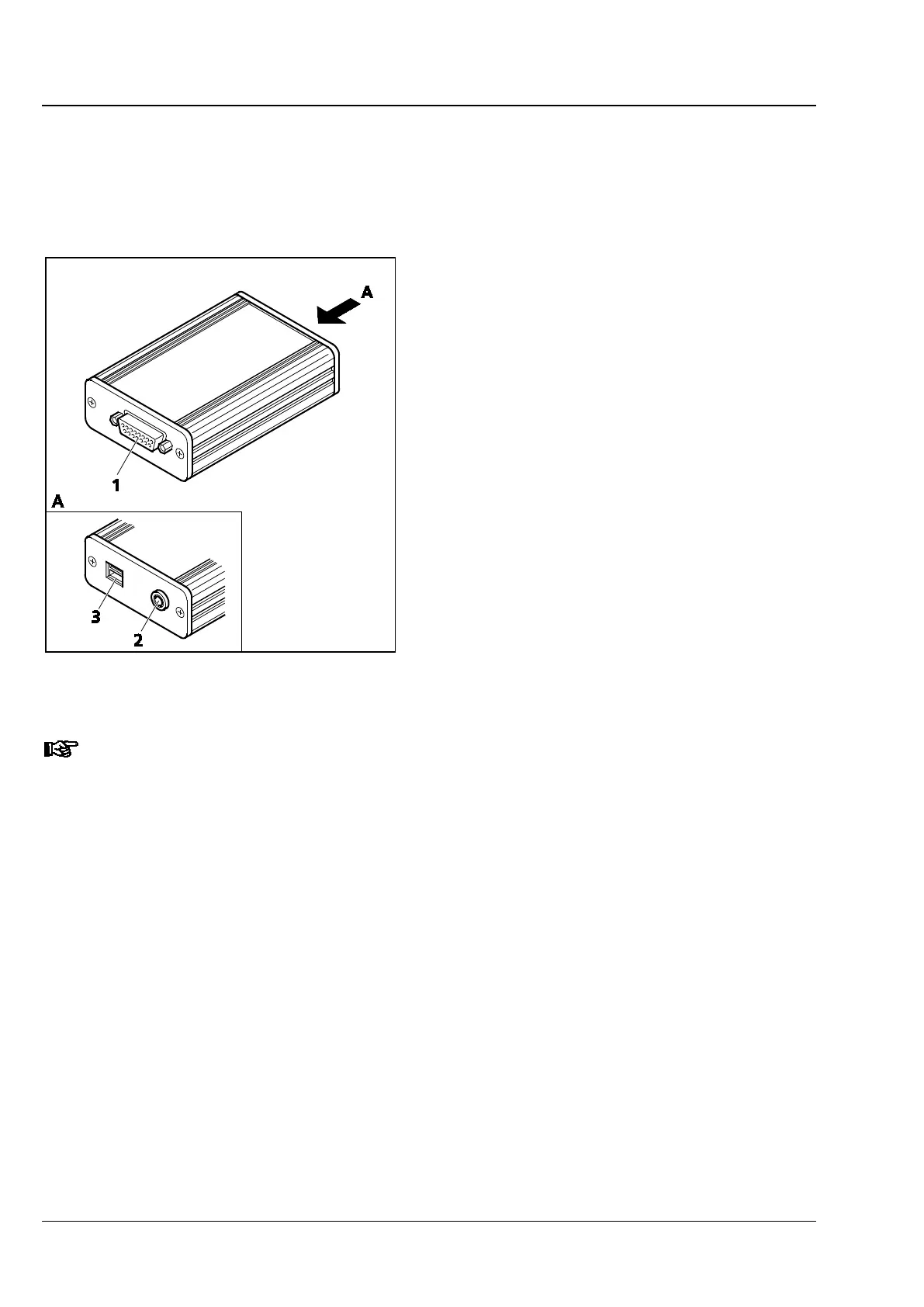
the CAN connector of the CAN / USB converter
(Fig. 73/1).
• Use the USB cable to connect the USB port of
the PC to the CAN / USB converter (Fig. 73/3).
• Connect the DC voltage input terminal of the
CAN / USB converter (Fig. 73/2, 24 V DC /
1.25 A) to the plug-type power supply output
(output 24 V DC, 1.25 A). Then plug that
power supply into the power outlet.
The CAN/USB converter may only be operated with the power supply unit provided by the
manufacturer.
The plug-type power supply is a protection class II device (totally insulated). If its housing is damaged, the
power supply unit should be taken out of operation.
The plug-type power supply and the CAN / USB converter must not come into contact with moisture.
The USB / CAN converter is equipped with a plug-type power supply, which allows line voltages ranging
from 100 V to 240 V ±10 % (50 / 60 Hz) to be used, without requiring any change of voltage on the
unit.
Fig. 73 CAN/USB converter








 To Next Page