ZEISS OPERATION Axio Imager 2
The Light Manager
98 430000-7544-001 01/2016
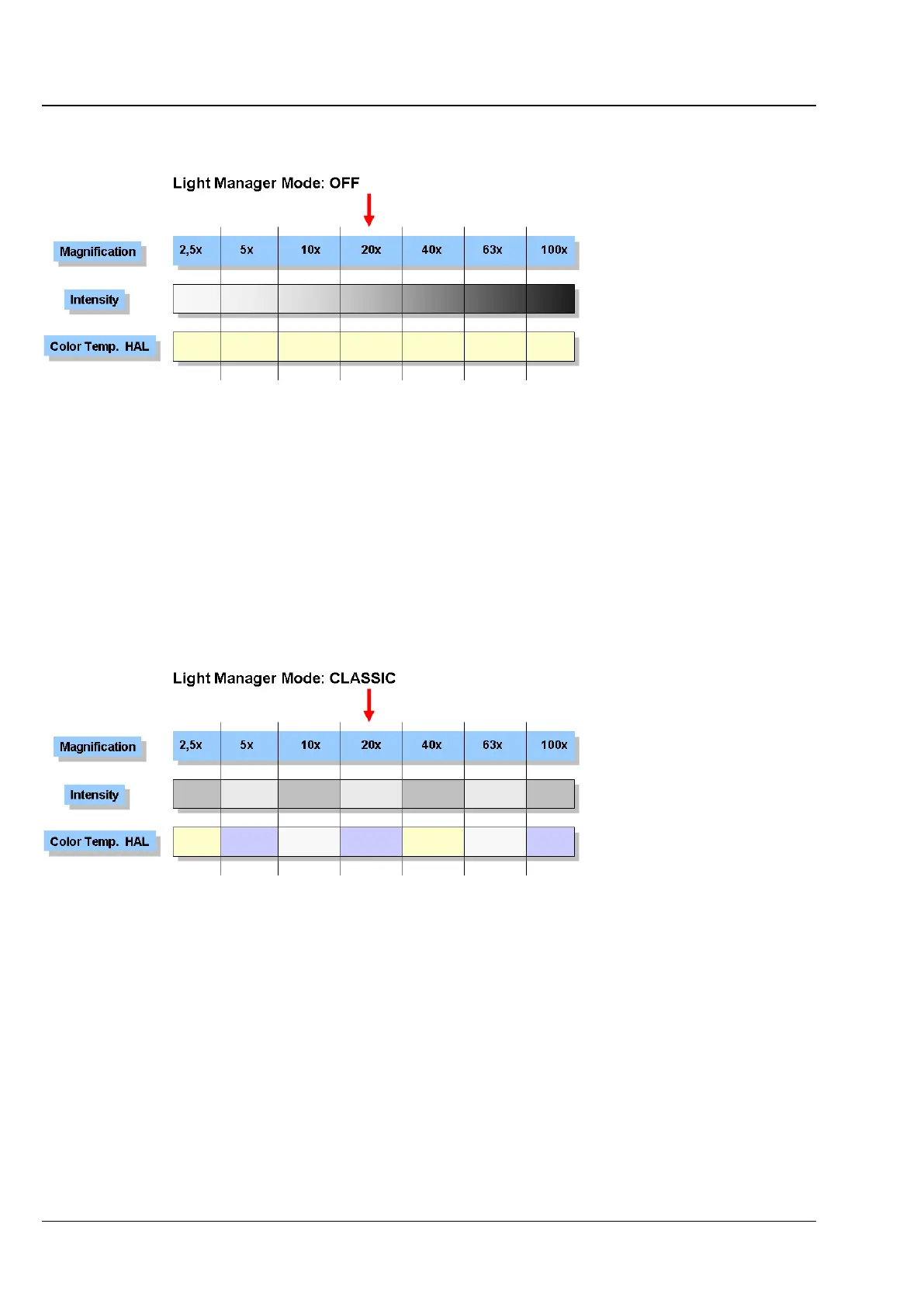
4.6.1 Light Manager Mode: OFF
If the Light Manager is (temporarily) switched off, the microscope behaves like a normal light microscope.
Starting by selecting a magnification and a corresponding lamp voltage, the operator must readjust the
voltage manually to achieve a comparable image brightness when setting higher or lower magnifications.
However, the color temperature of the halogen lamp varies with the lamp voltage and so the operator
would additionally have to use neutral-density filters to achieve a comparable impression of the
specimen.
4.6.2 Light Manager Mode: CLASSIC
If the Light Manager is operated in CLASSIC mode, the operator can choose his own "optimal"
illumination settings for each magnification.
The corresponding values are automatically stored in the temporary memory of the Light Manager when
changing the objective.
If the settings are to be stored permanently (even after the microscope has been switched off), the
LMSet button on the back right of the stand should be pushed once before switching off. After a
confirmation beep, all available values will be stored. After a second beep approximately three seconds
later, the microscope can be switched off.








 To Next Page