Axio Imager 2 OPERATION ZEISS
Operating the motorized microscope via the touchscreen of the TFT display
01/2016 430000-7544-001 153
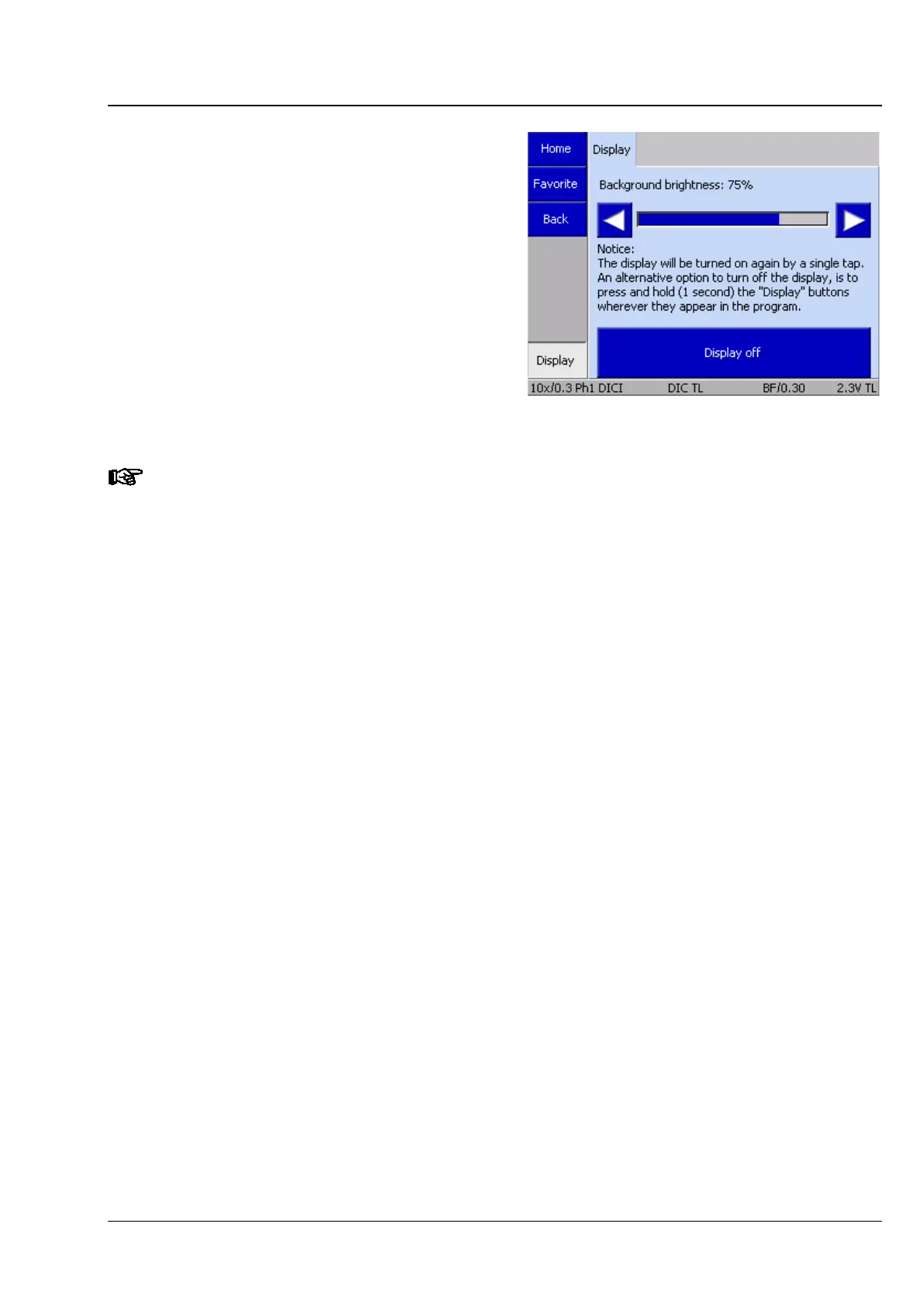
4.8.8 Display page
Using the ◄► buttons on the Display page, the
user can adjust the brightness of the TFT display
and the light control LEDs.
Pressing the Display off button turns the TFT
display off. Pressing that button a second time
switches the TFT display on again.-*delete*
To dim the TFT display, press the Display button
on the navigation bar for more than a second.
Touching anywhere on the TFT display again
switches the display back on.
After the TFT display is switched off, it returns from the Display page to the page from which it
was activated. This page will be shown when the display is switched on again.








 To Next Page