Axio Imager 2 OPERATION ZEISS
Operating the motorized microscope via the touchscreen of the TFT display
01/2016 430000-7544-001 125
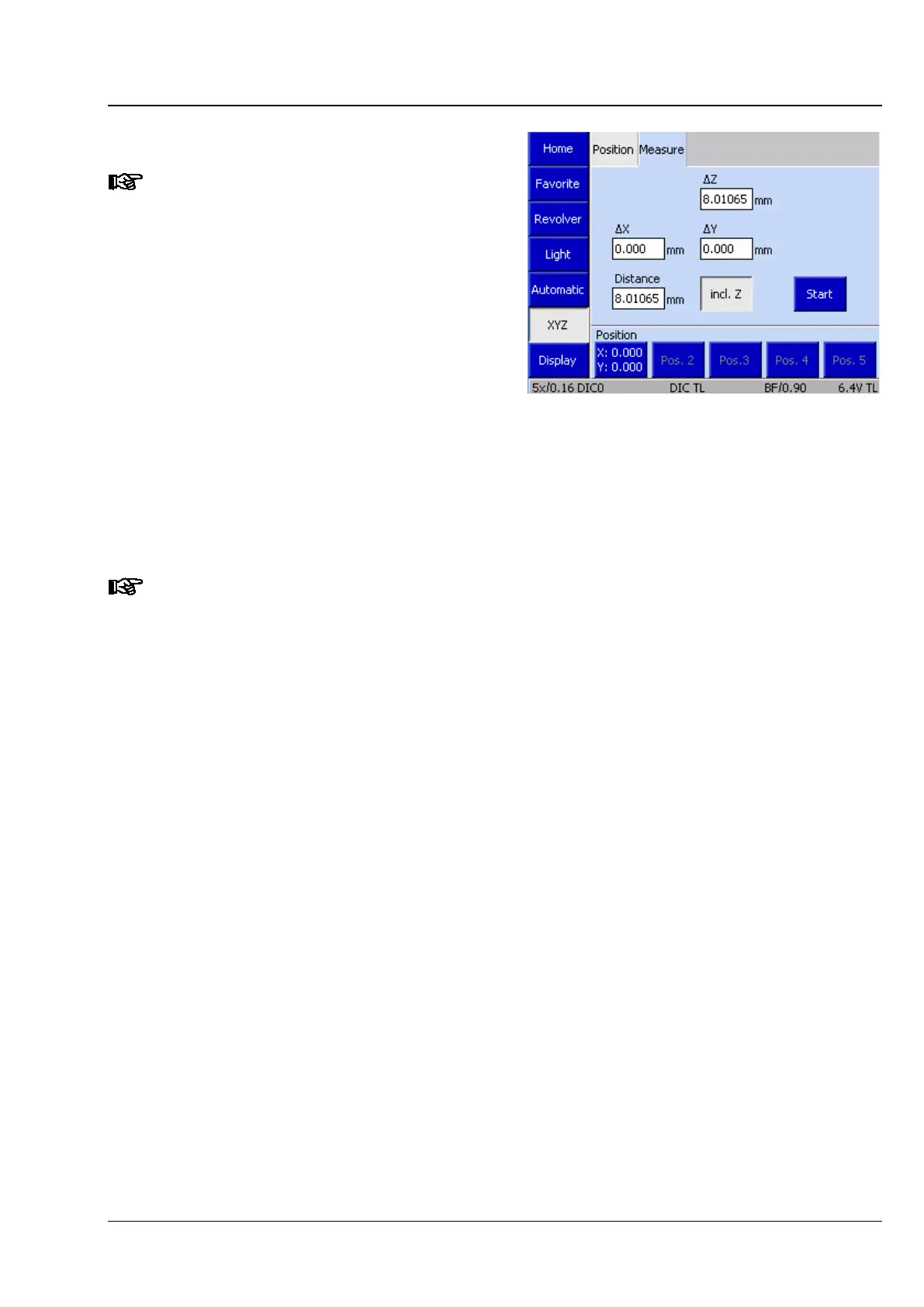
(2) Measure tab
This tab is only accessible if you use a
motorized (CAN bus) stage. Otherwise,
the Start
button and a display for the
Z-distance ∆
Position tab.
Using the controls on the Measure tab, the
operator can perform simple distance
measurements in millimeters (mm). Three options
are available for these measurements:
− Distance between two manually set positions
− Distance between a manually set position
and a defined position
− Distance between two defined positions
If the Z distance is to be measured, activate the incl. Z button.
• Move to initial position.
• Press the Start button. The display fields ∆X, ∆Y and ∆Z are set to zero.
Every stage movement is shown in the, ∆X, ∆Y and ∆Z fields.
The position buttons function as described in (1) Position tab above.
Fig. 125 Microscope -> XYZ-> Measure








 To Next Page