Product Manual - ZMORPH FAB back to table of content
>>
70
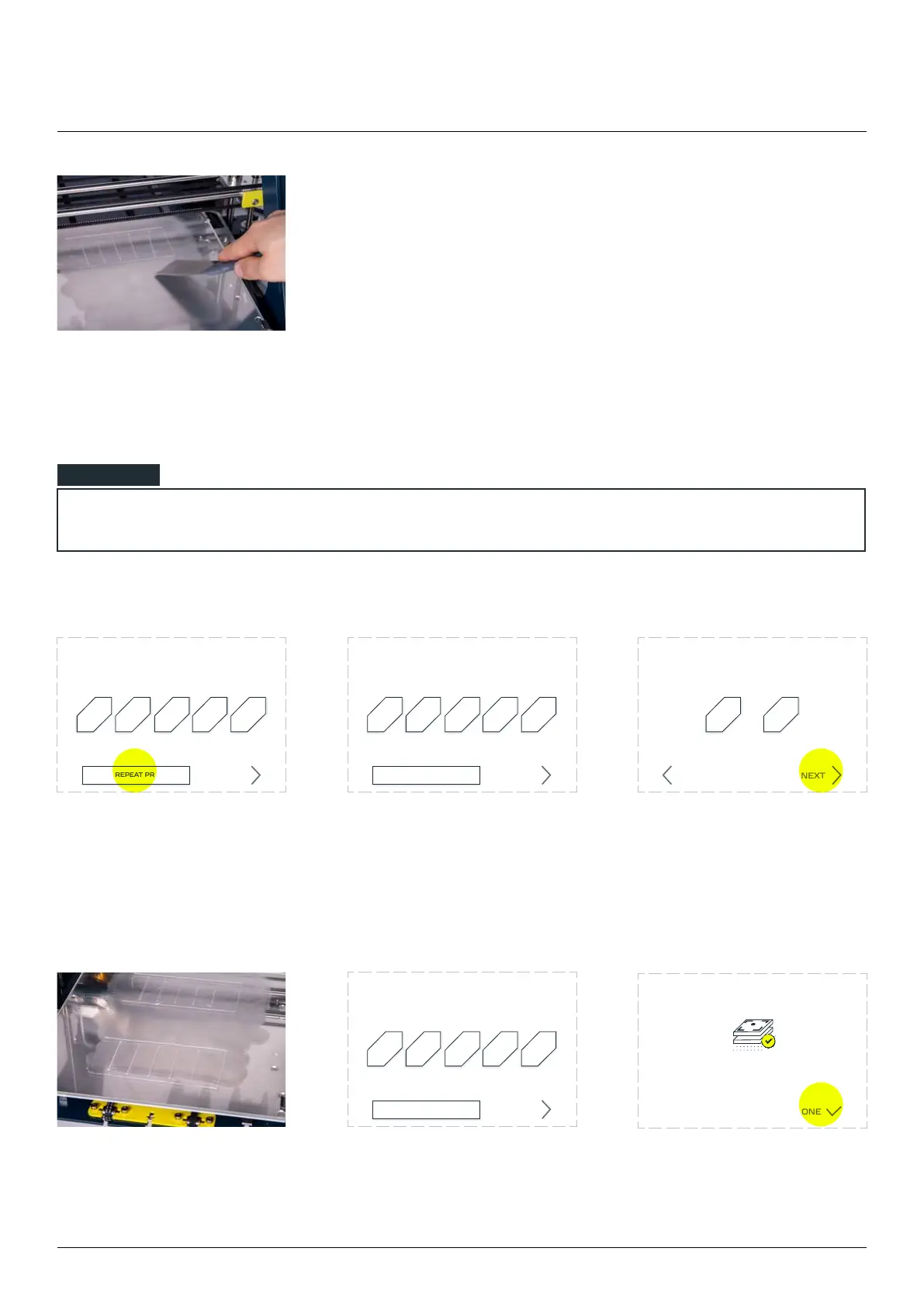
Clean the bed. Your
machine is ready for your
If none of the printed lines is proper, please follow these steps:
Choose ‘NONE’ option. Tap ‘NEXT’. Printer will ask which of the
line is closest to the best
‘NEXT’.
The machine will prepare
Select the best one by
pressing their corresponding
numbers visible on the screen
and tap ‘NEXT’.
Zmorph Fab calibration is
complete.
NONE, REPEAT PRINTING
1 2 3 4 5
NEXT
Choose the best printed line
(numeration from le to right)
NONE, REPEAT PRINTING
1 2 3 4 5
NEXT
Choose the best printed line
(numeration from le to right)
NONE, REPEAT PRINTING
1 2 3 4 5
NEXT
Choose the best printed line
(numeration from le to right)
Which line was better?
1 5
NEXTBACK
3D printing workow
NOTE
Calibration complete!
DONE



 To Next Page