5: Monitoring & Filtering
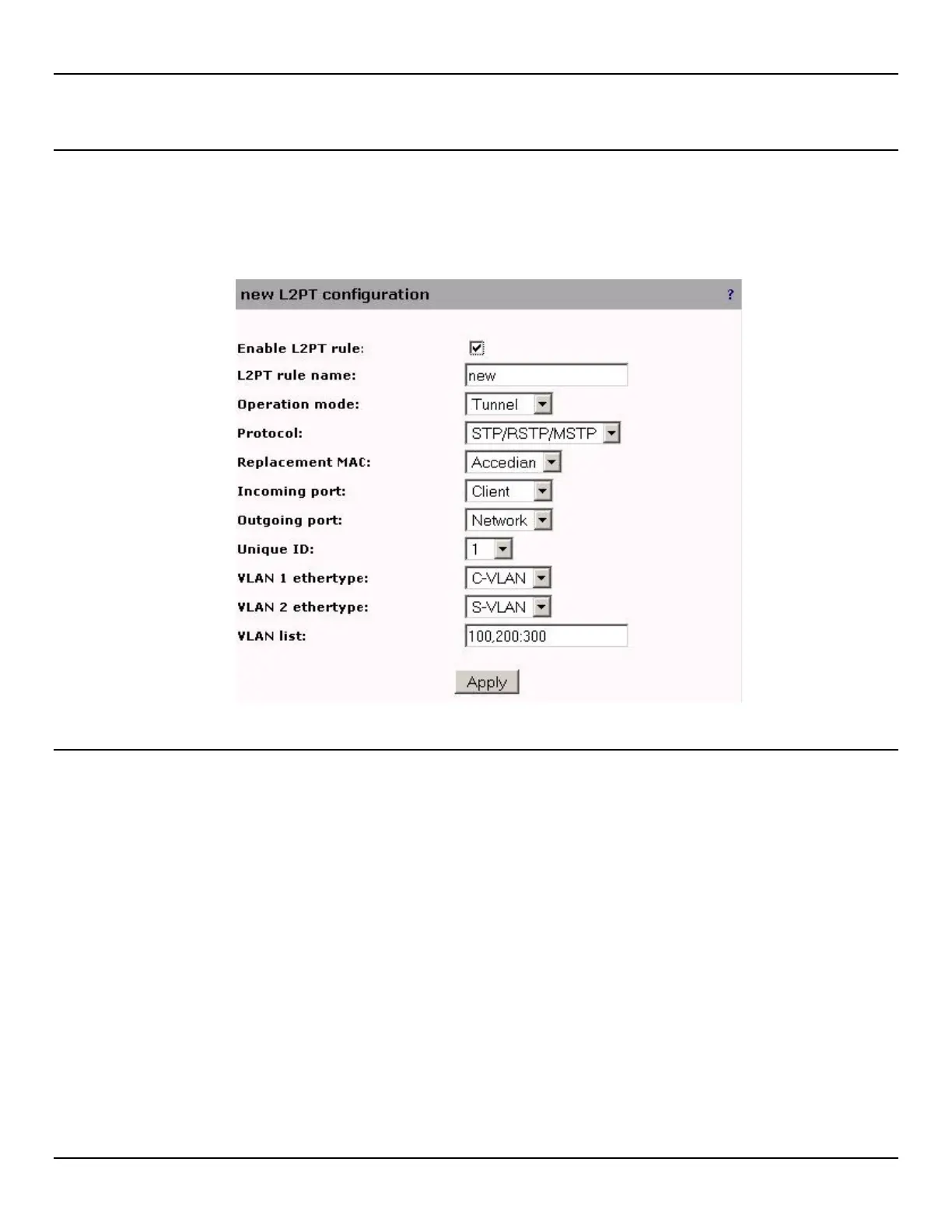
Adding a new L2PT Rule
To add or edit an L2PT rule, do the following:
1. Open the Traffic > L2PT page.
2. Click the Add button to add a new rule or click on the rule name to edit an existing rule.
L2PT rule settings
Enable L2PT rule
Allows a rule to be enabled or disabled without being deleted.
L2PT rule name
Unique name assigned to the rule.
Protocol
Layer-2 Control Protocol to be processed by a specific rule.
Replacement MAC
The multicast MAC address to use as a replacement when protocol tunneling is performed. The following replacement
MAC can be used:
• The Cisco replacement: 01:00:0C:CD:CD:D0 MAC is used. Because it can't be altered, it can be used only once
amongst all rules.



 To Next Page