9: Performance Assurance Agent
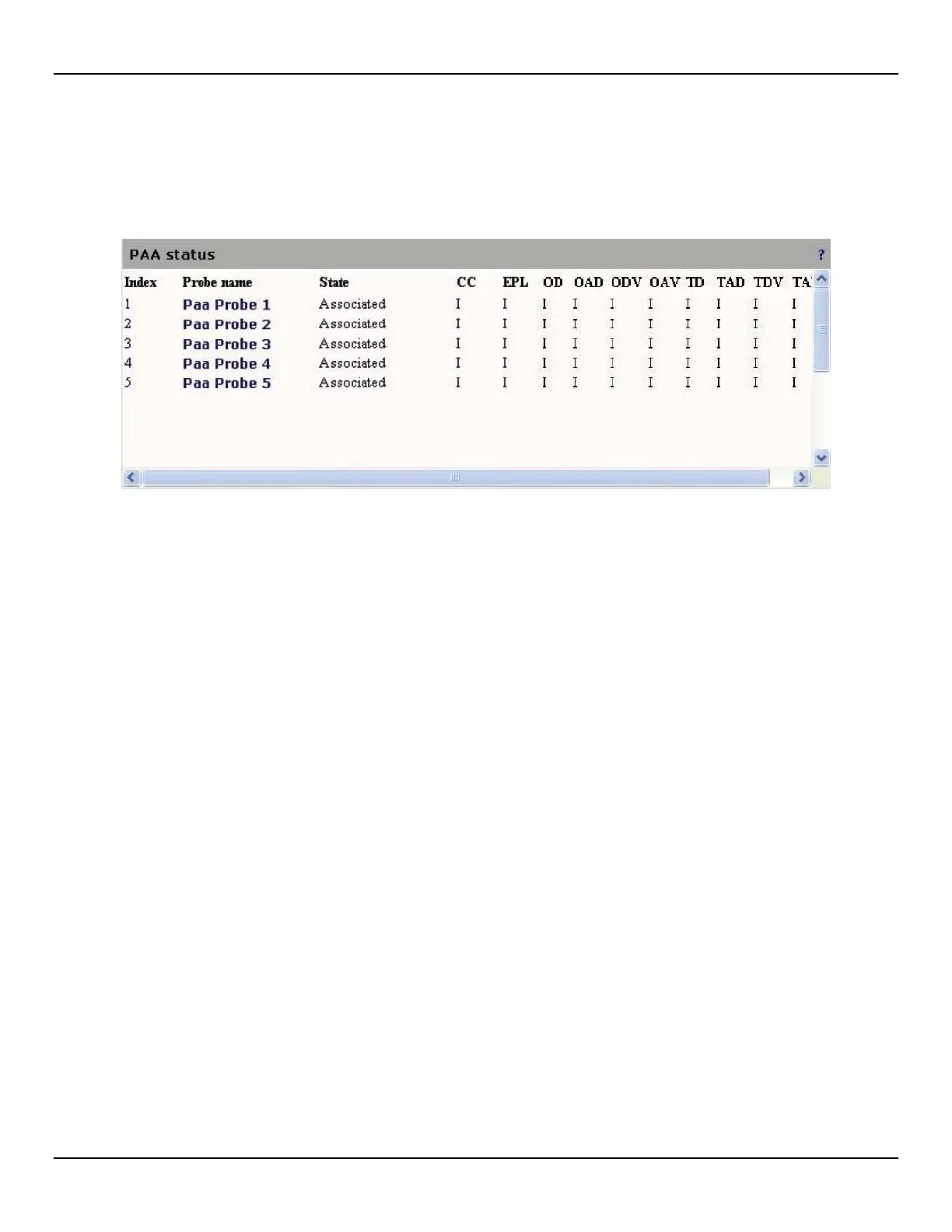
PAA status
To view the status of all PAA probes, open the PAA > Status page.
The following information is presented for each probe.
z Index: A unique identifier assigned to the probe.
z Probe name: Unique name assigned to the probe. Click the name to view detailed status information.
z State: Indicates the probe's current state. Possible values are:
z Disabled: Disabled by configuration.
z Associating: Enabled looking for peer.
z Associated: Enabled peer found .
z Running: Running one time measurement.
z Idle: Idle after one time measurement completed.
z Locked IS: Locked traffic in service.
z Locked OOS: Locked traffic out of service.
z Status codes
z CC: Continuity Check
z EPL: Excessive Packet Loss
z OD: One-way Delay
z OAD: One-way Average Delay
z ODV: One-way Delay Variation
z OAV: One-way Average Delay Variation
z TD: Two-way Delay
z TAD: Two-way Average Delay
z TDV: Two-way Delay Variation
z TAV: Two-way Average Delay Variation



 To Next Page