2: Hardware Installation
EtherSHELF
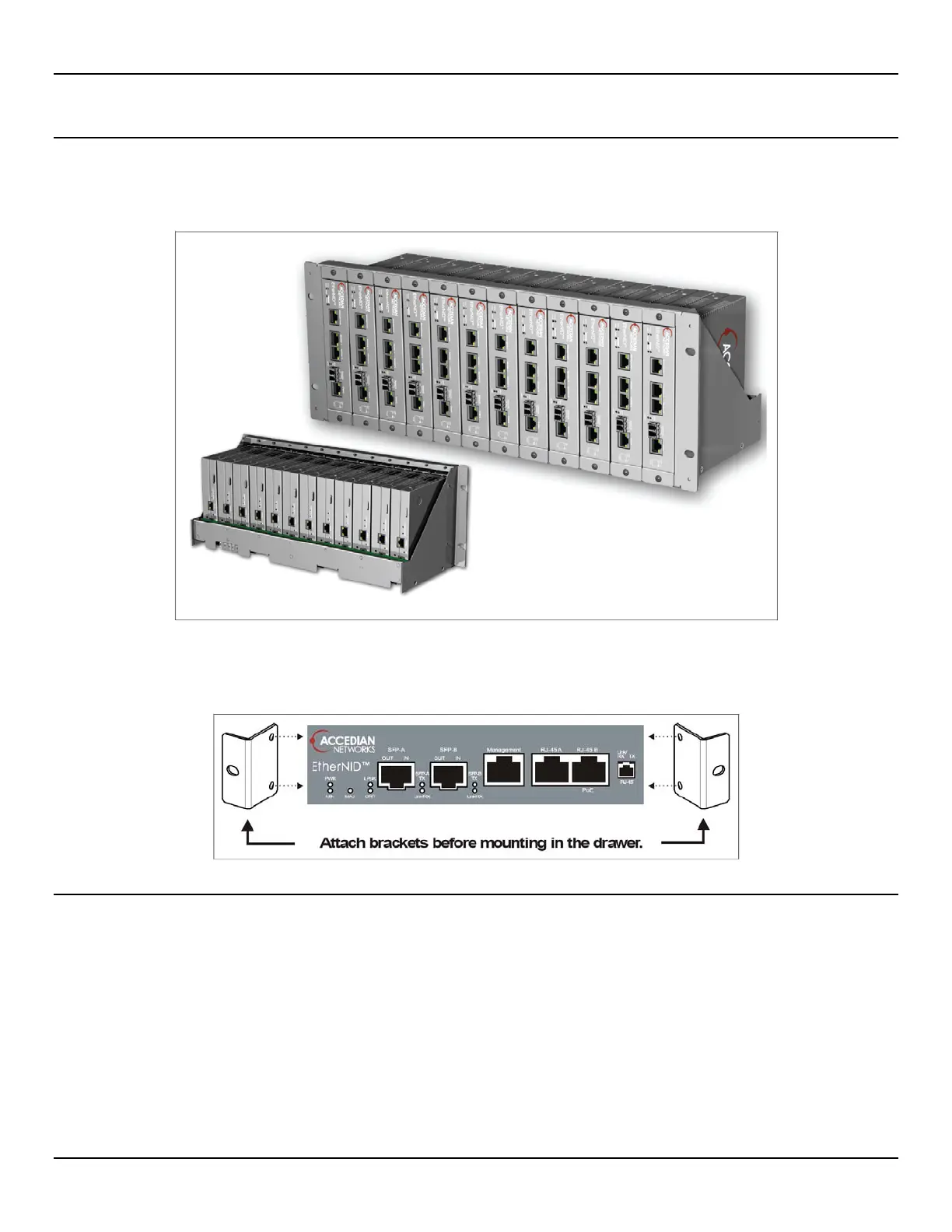
The EtherSHELF, an optional 12 unit, 4U shelf is available for large-scale installations.
To mount an EtherNID in the EtherSHELF, L-shaped brackets must be attached to the left and right side of the unit.
Grounding the EtherSHELF
Connect the EtherSHELF to a ground point on the rack as follows:
1. Turn OFF power to the shelf. However, to channel ESD voltages to ground, do not unplug the power cable.
Remove all network interface cables.
2. Before proceeding to the next step, ensure that power is removed from the DC circuit. To ensure that all power is
OFF, locate the circuit breaker on the panel board that services the DC circuit, switch the circuit breaker to the
OFF position, and then tape the switch handle of the circuit breaker in the OFF position.
3. Strip one end of a 10-AWG wire to expose approximately 0.75 in. (20 mm).
4. Crimp the two-hole grounding lug around the exposed wire.



 To Next Page