3: Management & Configuration
Session configuration
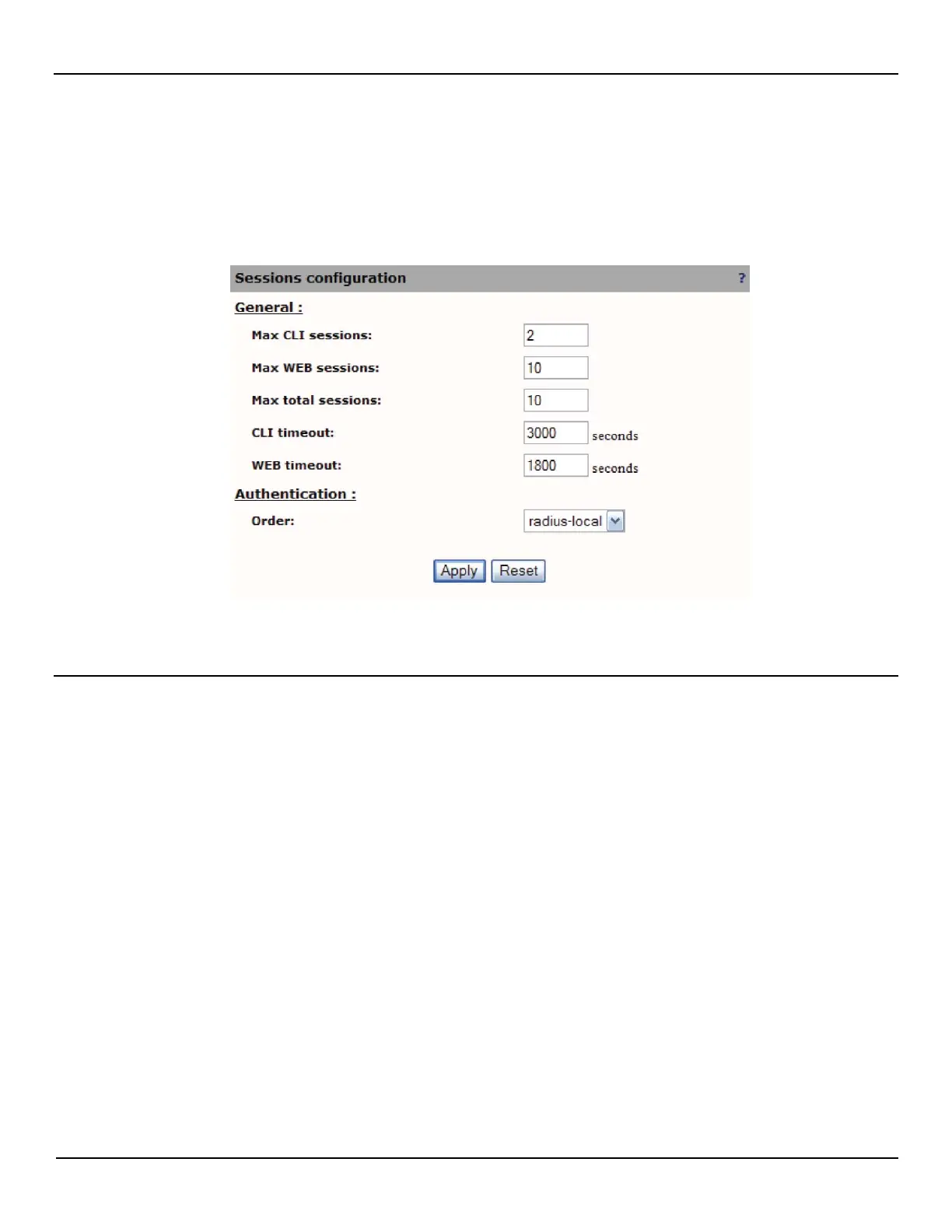
To configure session options, do the following:
1. Open the System > Session > Configuration page.
2. Define session parameters as required by your setup and then click Apply.
Session parameters
Max CLI sessions
Specify the maximum number of CLI sessions that are supported at the same time.
Max WEB sessions
Specify the maximum number of management tool sessions that are supported at the same time.
Max total sessions
Specify the total number of CLI and WEB sessions that are supported at the same time.
CLI timeout
Specify the maximum number of seconds that a CLI session can remain idle before it is automatically logged out.
WEB timeout
Specify the maximum number of seconds that a management tool session can remain idle before it is automatically
logged out.



 To Next Page