5: Monitoring & Filtering
Configuring an IPv4 filter
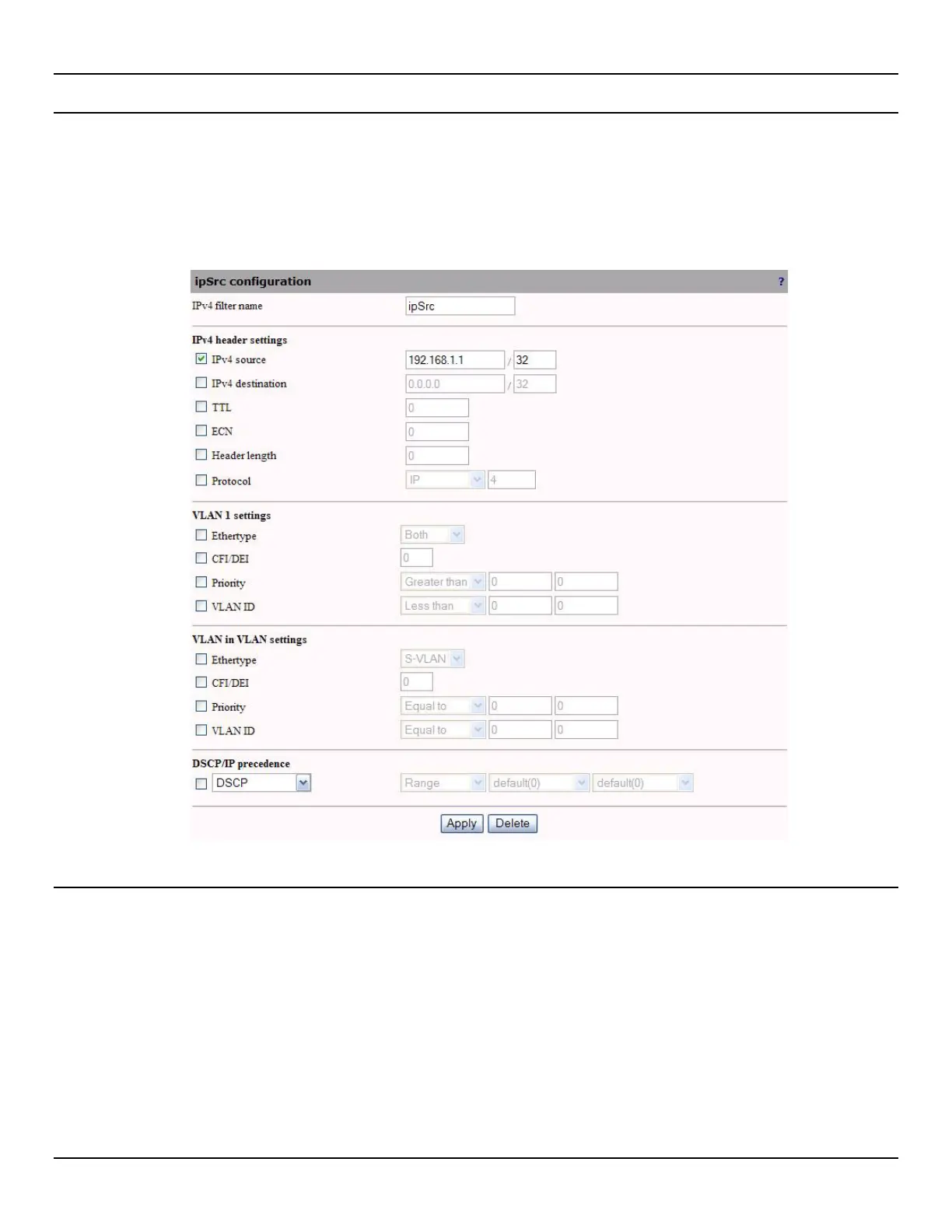
To configure an IPV4 filter, do the following:
1. Open the Traffic > IPV4 Filters page. By default, commonly used filters are defined.
2. Click Add to create a new file, or click the filter name to edit and existing one.
3. Configure filter parameters and click Apply.
IPv4 filter parameters
IPv4 filter name
Specify a name to uniquely identify the filter.
IPv4 header settings
The following characteristics can be defined:
IPv4 source / mask
Specify the source address and mask. Only the bits specified by the mask are used. The other bits are ignored.



 To Next Page