4: Port configuration
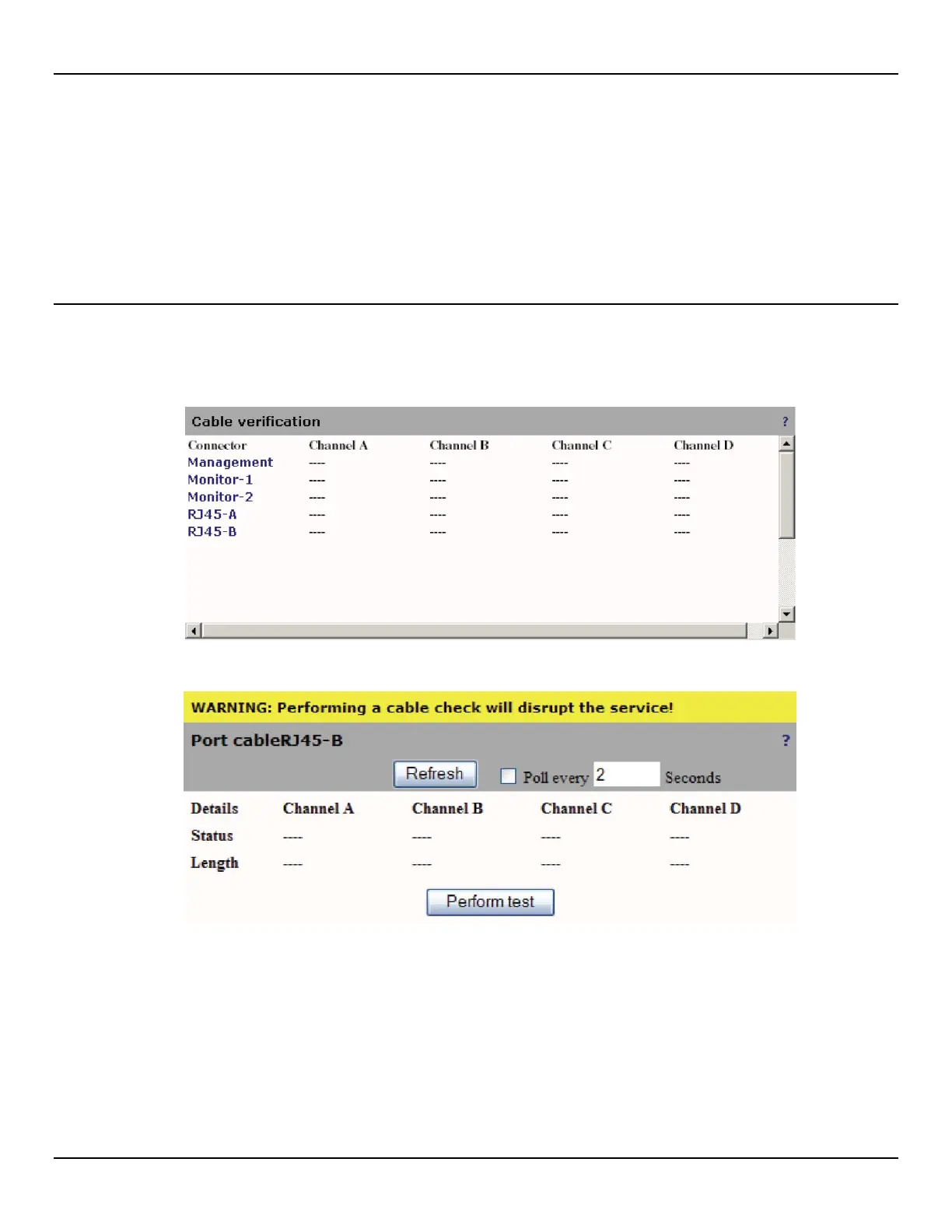
Cable verification
The EtherNID uses Time Domain Reflectometry (TDR) to determine the quality of cables, connectors, and terminations.
Some of the possible problems that the EtherNID can diagnose are: opens, shorts, cable impedance mismatch, bad
connectors, and termination mismatch.
Testing a cable
To perform a cable test, do the following:
1. Open the Port > Cable page.
2. Click the name the connector you want to test. For example, if you click RJ45-B you will see the following page.
3. Click Perform Test.
4. The status of each channel is updated as the tests are run.



 To Next Page