3: Management & Configuration
DNS settings
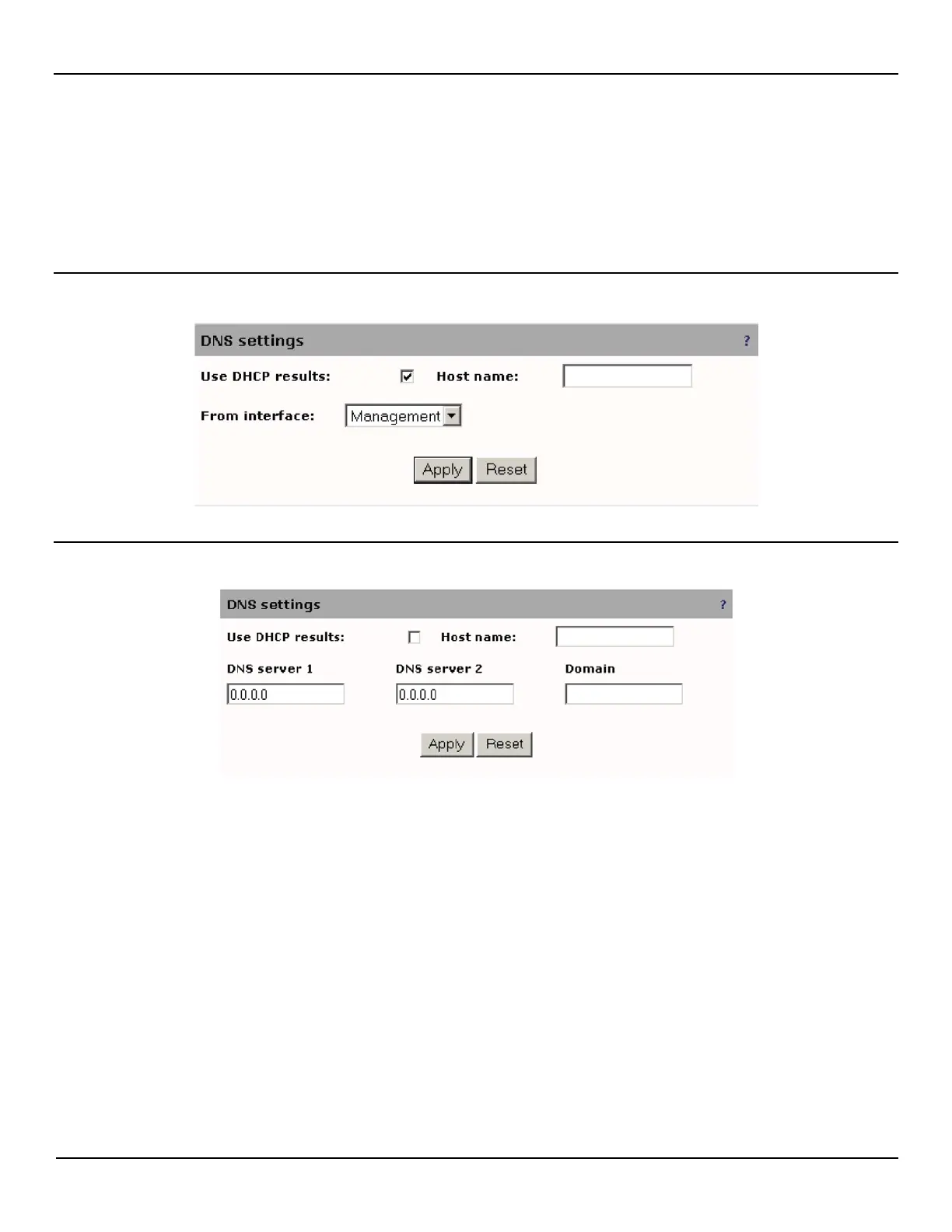
To define DNS options, open the System > DNS page. You can either choose to use the DNS settings obtained via DHCP
on a specific port, or manually set DNS settings.
Use DHCP results
Set DNS manually
In either case, you can define the host name for the EtherNID.
NOTE: The default host name is the serial number of the NID and will be displayed in the banner at the top of the
management web interface.



 To Next Page