7: Operations, Administration & Maintenance
7 Operations, Administration &
Maintenance
OAM configuration
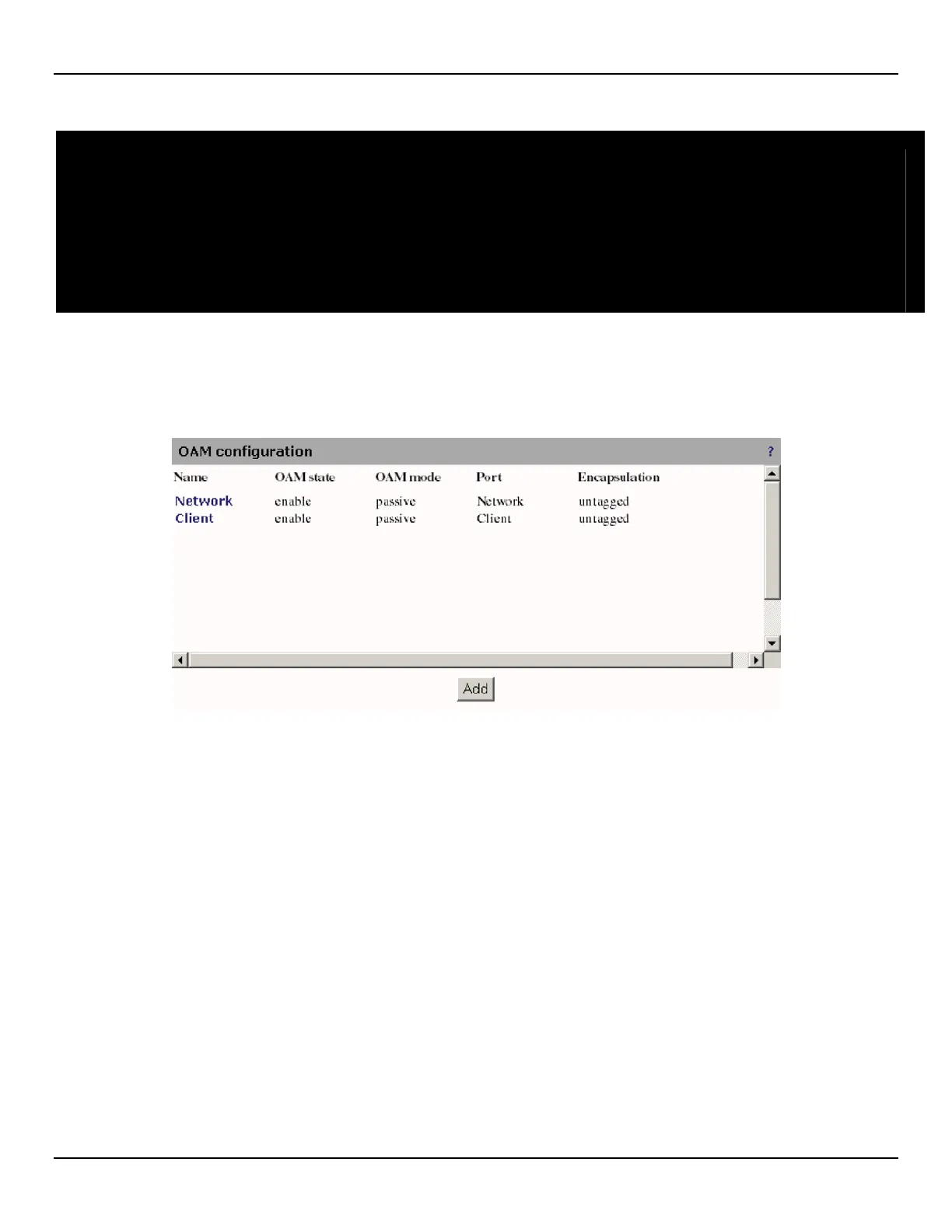
To view a list of all OAM instances and their settings, open the OAM > Configuration page.
The following information is presented for each instance:
• Name: The instance name as defined in the configuration page. Click this name to configure the instance.
• OAM state: Indicates if an instance is enabled or disabled. This field does not indicate a successful discovery of
an OAM peer. See the status page for details.
• OAM mode: The OAM instance may be active or passive. When passive, the instance will only listen and reply to
received information type length and value (TLV) frames during the discovery phase. An active instance actively
transmits unsolicited information TLV frames.
• Port: Indicates the port used by this OAM instance.
• Encapsulation: Indicates if OAM packets are tagged with a VLAN or not.



 To Next Page