3: Management & Configuration
Export a configuration as follows:
1. Enter a filename for the configuration file in the text box.
2. Click Export.
Export a Vision EMS PPT file as follows:
1. Enter a filename for the PPT configuration file in the text box. The PPT file will be exported as a compressed ZIP file.
2. Click Export.
Factory default
This will bring the unit configuration back to factory defaults.
Cancel changes
This will cancel a factory reset or rollback action.
Rollback
This will bring back the configuration from last boot.
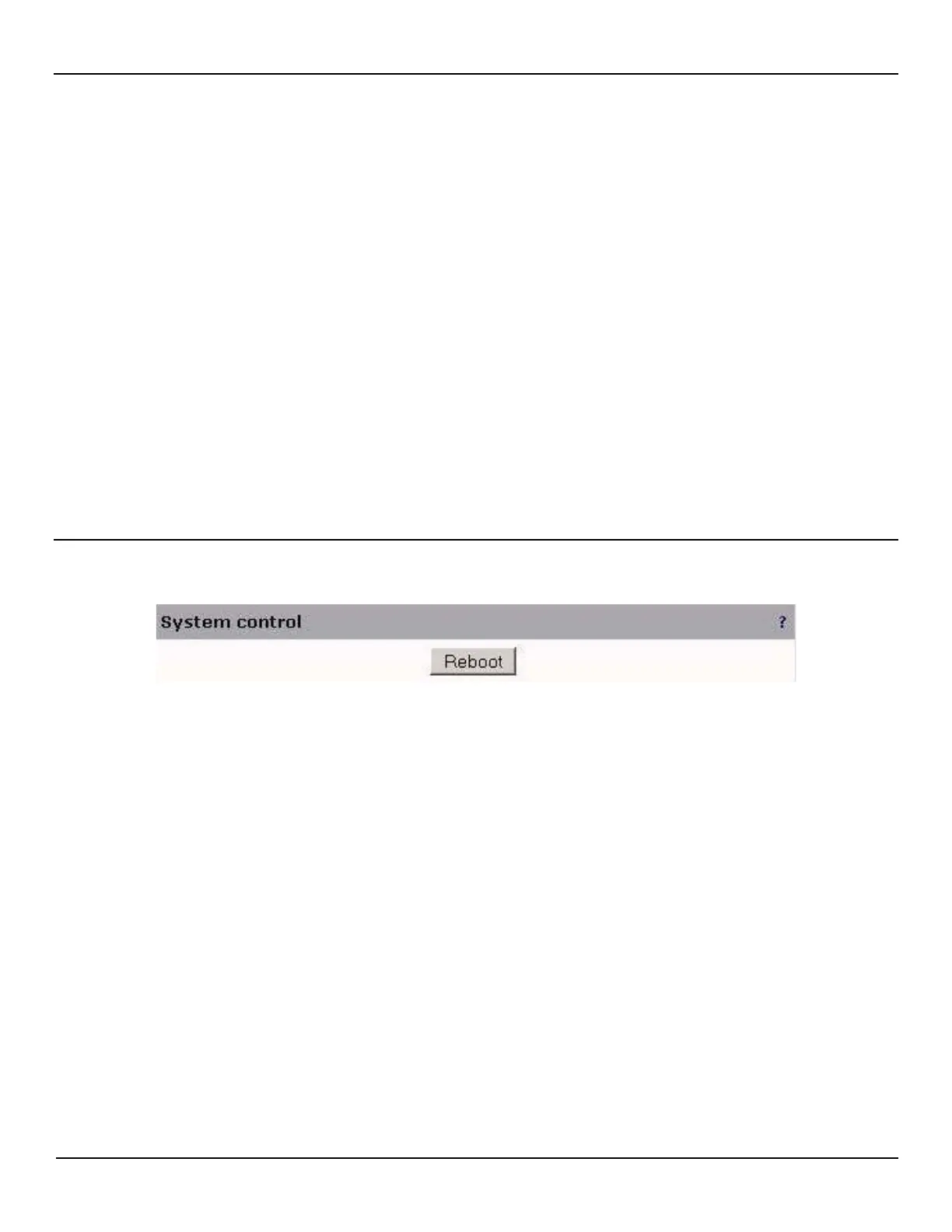
System control
Use these options to reboot and other system affecting functions.
Reboot
This will reboot the unit.



 To Next Page