5: Monitoring & Filtering
Configuring a regulator
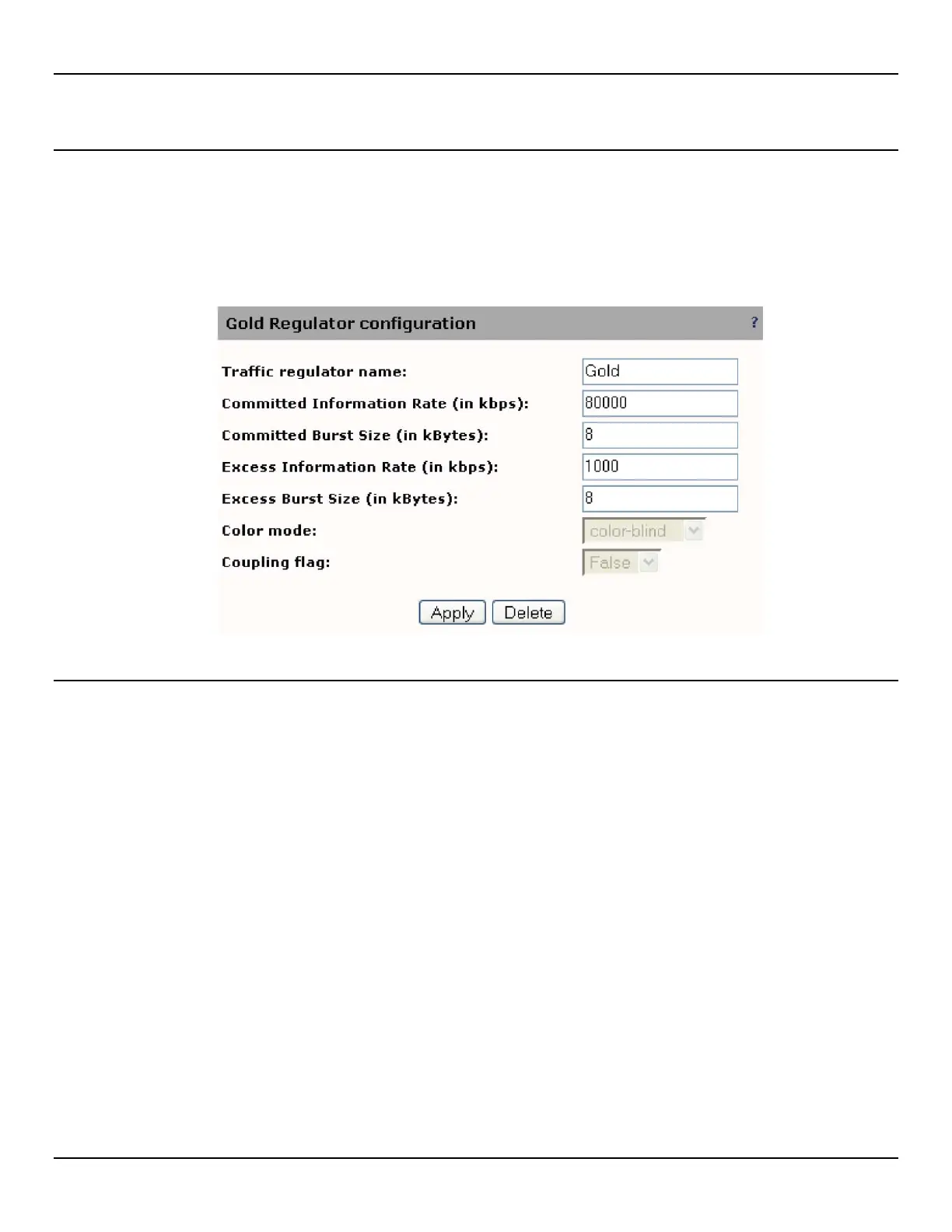
To configure a traffic regulator, do the following:
1. Open the Traffic > Regulators page.
2. Click Add to define a new regulator.:
3. Configure settings and click Apply.
Regulator settings
Traffic regulator name
Specify a name to uniquely identify the regulator.
Committed Information Rate (CIR)
Specify the maximum average bandwidth for traffic declared green by the regulator. Green traffic in excess of this
maximum will be declared yellow by the regulator and will be submitted to EIR regulation.
Range: 0 to maximum port speed (in kbps)
Committed Burst Size
Specify the maximum burst size for traffic declared green by the traffic regulator.
Range: 2 to 62 kBytes
NOTE: Burst size must be greater than the port MTU.
Excess Information Rate (EIR)
Specify the maximum average bandwidth for traffic declared yellow by the regulator. Yellow traffic in excess of this
maximum will be declared red by the regulator and will be dropped.
Range: 0 to maximum port speed (in kbps)



 To Next Page