8: RFC-2544
RFC-2544 reports
NOTE: The RFC-2544 reports feature is only available on the MetroNID TE / TE-R / TE-S models.
Starting an RFC-2544 Testsuite
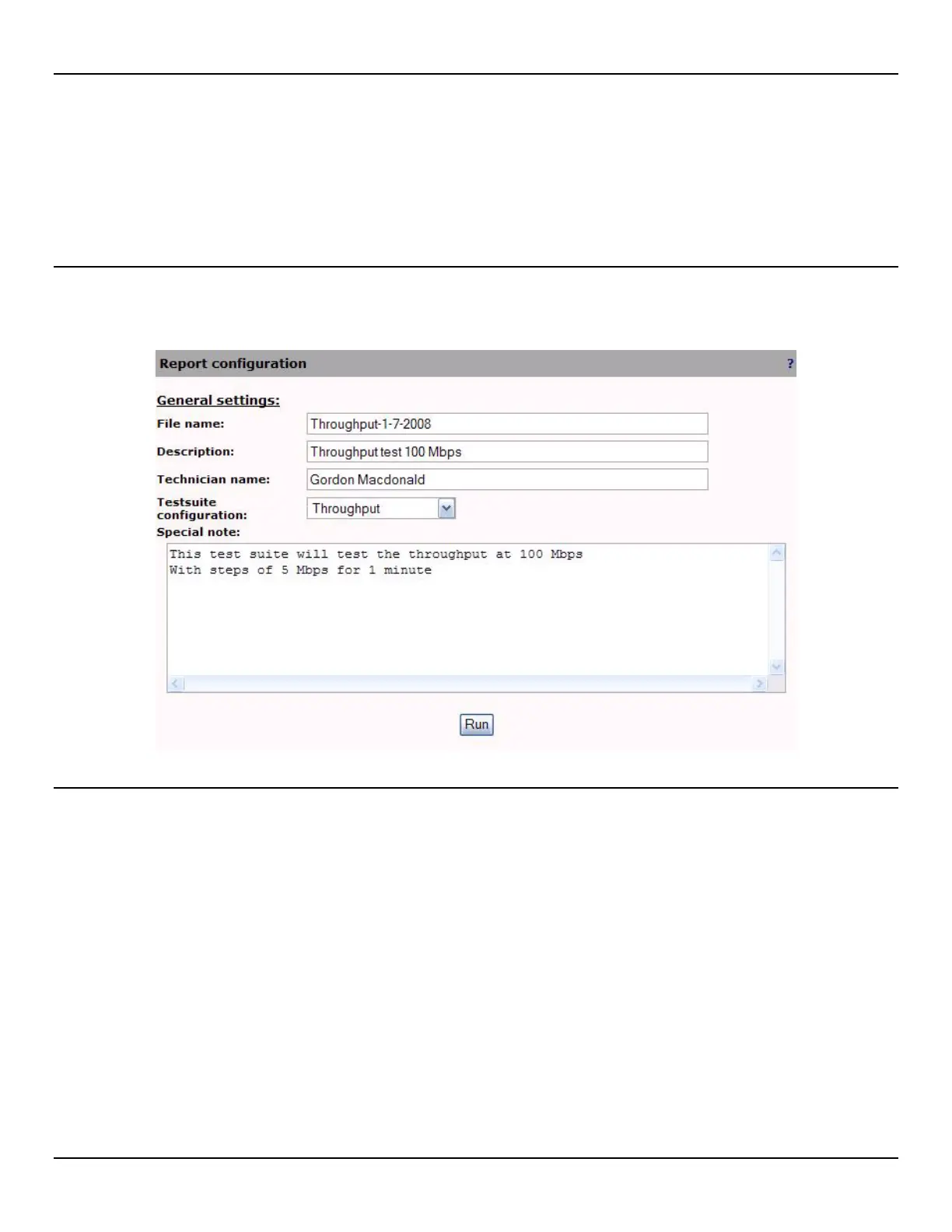
To start an RFC-2544 testsuite, click on the Start new testsuite button in the RFC-2544 > Reports page. Configure the
report then click the Run button to start the testsuite.
RFC-2544 report configuration
File name
Unique name assigned to the report.
Description
Provide a description to identify the report and its characteristics.
Technician name
Who executed the testsuite.
Testsuite configuration
Select the testsuite you want to run in this report.



 To Next Page