5: Monitoring & Filtering
Configuring a traffic policy
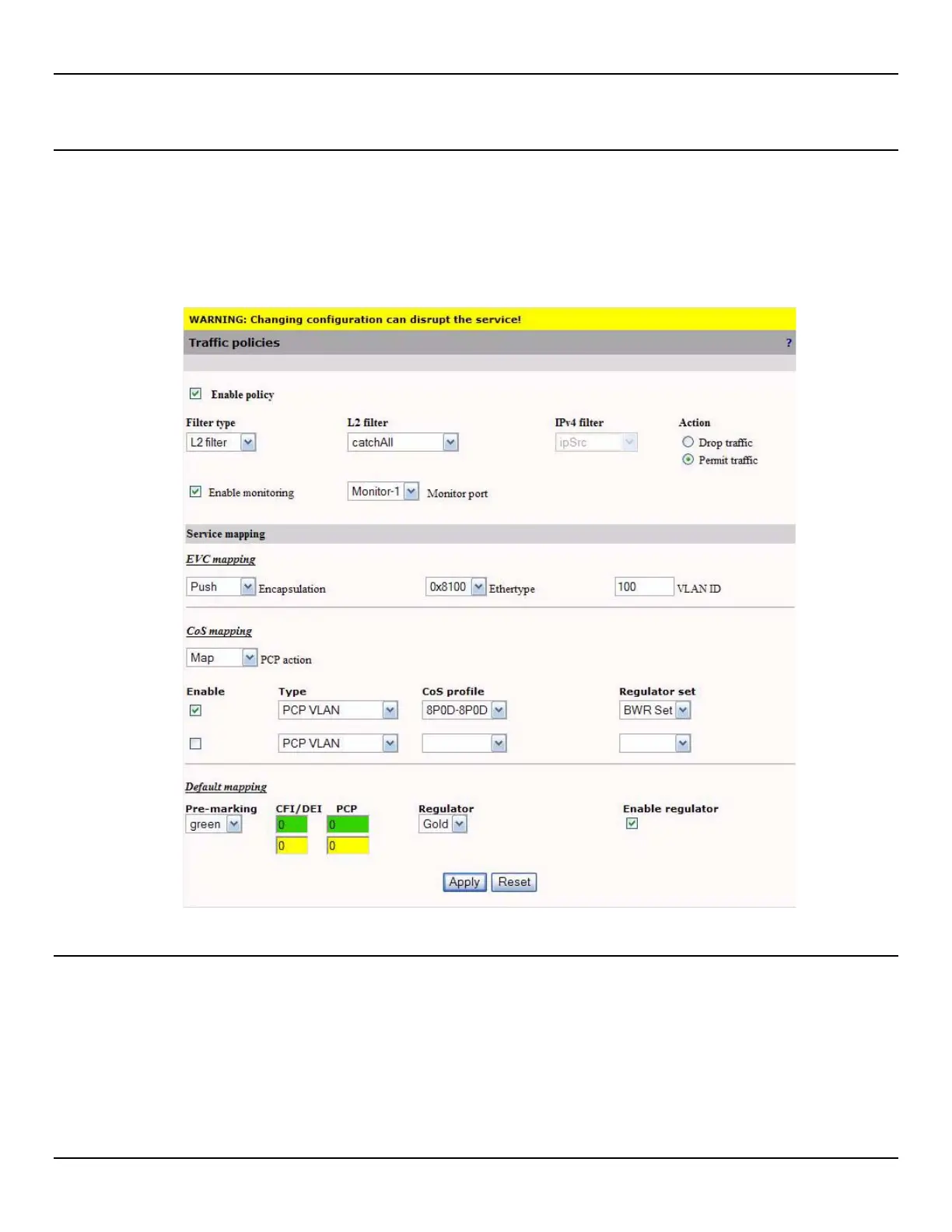
To configure a traffic policy, do the following:
1. Open the Traffic > Policies page.
2. Click the policy entry that you want to configure.
3. Configure policy settings and click Apply.
Policy settings
Enable policy
Select this check box to activate the policy.
Filter type
Select the filter type that will be used to capture traffic. The filter type is either a Layer 2 or IPv4 filter.



 To Next Page