3: Management & Configuration
Managing accounts
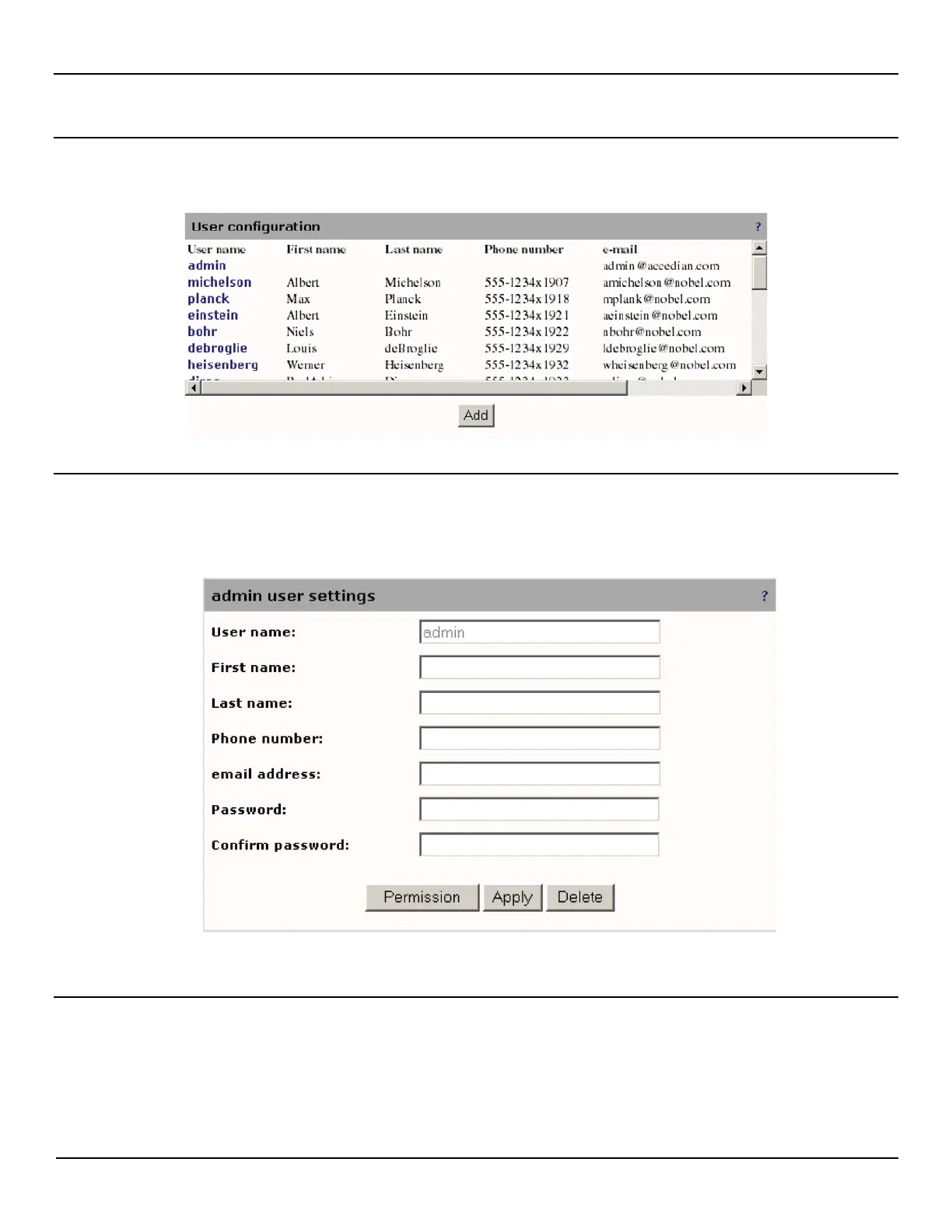
Administrator accounts are managed on the Session > Users page.
Changing the default administrator password
1. Open the Session > Users page and click admin in the list.
2. Specify the new password, confirm it.
3. Click Apply.
Lost administrator password
If you forget the username or password the only way to gain access to the management web interface is to perform a
factory reset as described in "
Resetting to factory defaults" on page 27.



 To Next Page