3: Management & Configuration
Session RADIUS
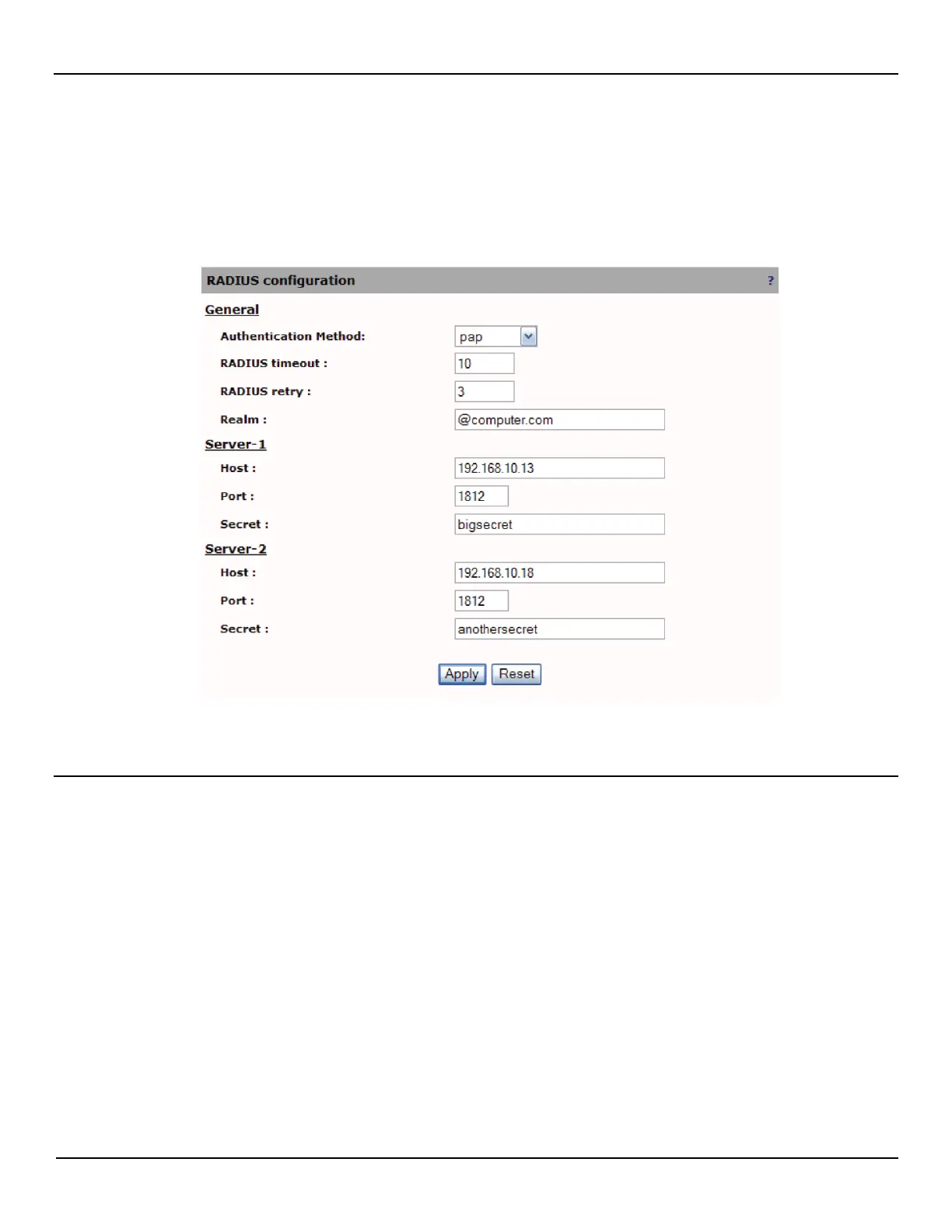
To configure RADIUS authentication, do the following:
1. Open the Session > RADIUS page.
2. Define RADIUS parameters as required by your setup and then click Apply.
RADIUS parameters
Authentication method
Authentication method to use. This can be one of the following methods:
• PAP : Password Authentication Protocol
RADIUS timeout
Time to wait for the RADIUS server to respond before retrying the connection. After the number of retries has been
exhausted, a connection to the next configured server will be attempted, in which the same timeout and retry scheme will
apply.
RADIUS retry
Number of times to retry the server before trying the next server configured.
Realm
A string to append to the user's name using the "username@realm" method.



 To Next Page