6: Alarms
6 Alarms
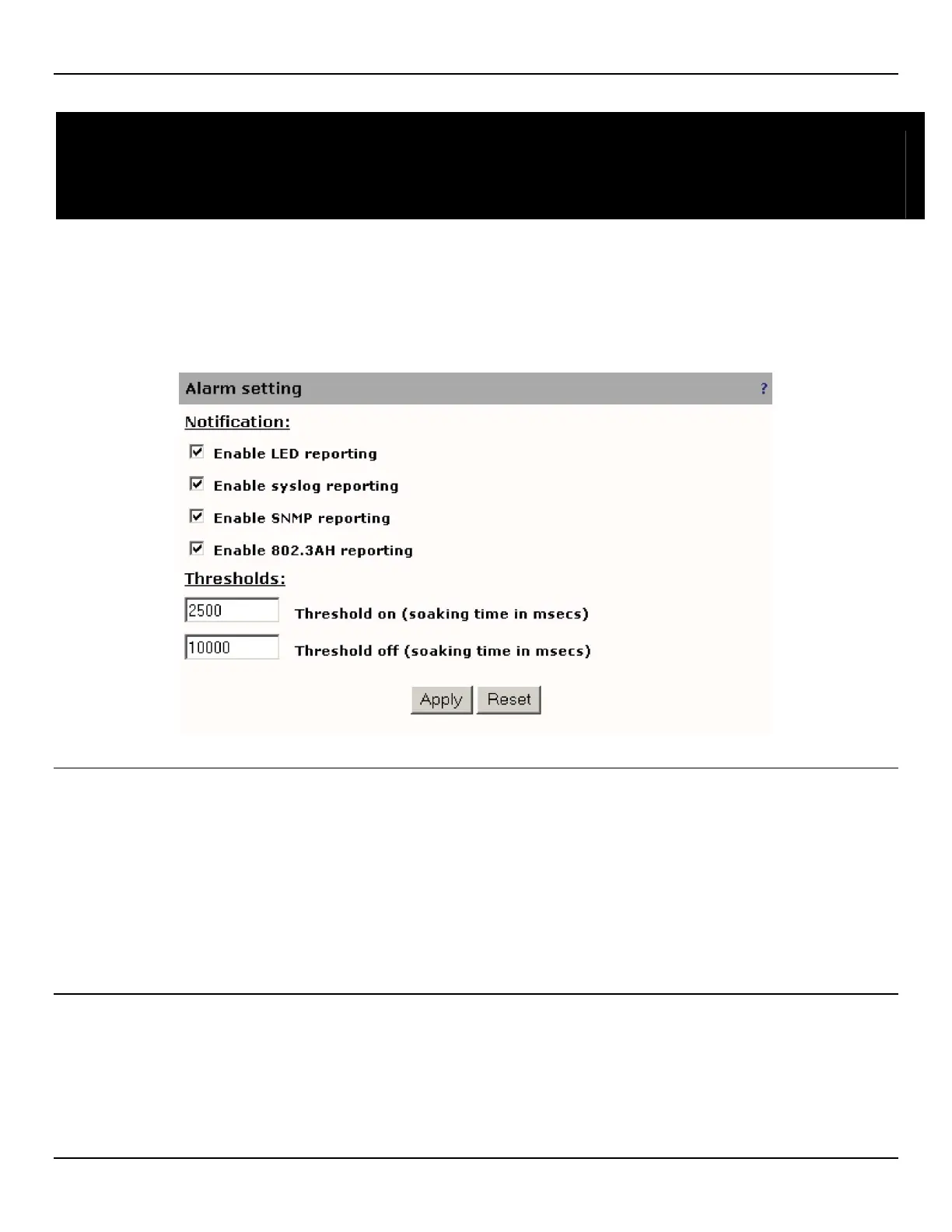
Alarm settings
General alarm settings are defined on the Alarm > General page.
NOTE: For a list of all supported alarms, see Appendix A.
Notification
There are four mechanisms for alarm reporting: LED, syslog, SNMP, and 802.3AH.
• Enable LED reporting: Reports alarms by activating the appropriate EtherNID LED corresponding to the severity
of the alarm.
• Enable syslog reporting: Reports alarms by creating syslog entries.
• Enable SNMP reporting: Reports alarms via SNMP traps from Accedian’s private MIB.
• Enable 802.3AH reporting: Reports alarms via 802.3AH organization specific OAMPDUs.
Thresholds
• Threshold on (soaking time in msecs): Delay after an event is detected before the alarm notification occurs.
• Threshold off (soaking time in msecs): Delay after an event clears before the alarm clear notification occurs.



 To Next Page