8: RFC-2544
RFC-2544 monitor
NOTE: The RFC-2544 feature is only available on the EtherNID GE and MetroNID TE / TE-R / TE-S models.
Viewing RFC-2544 Monitor
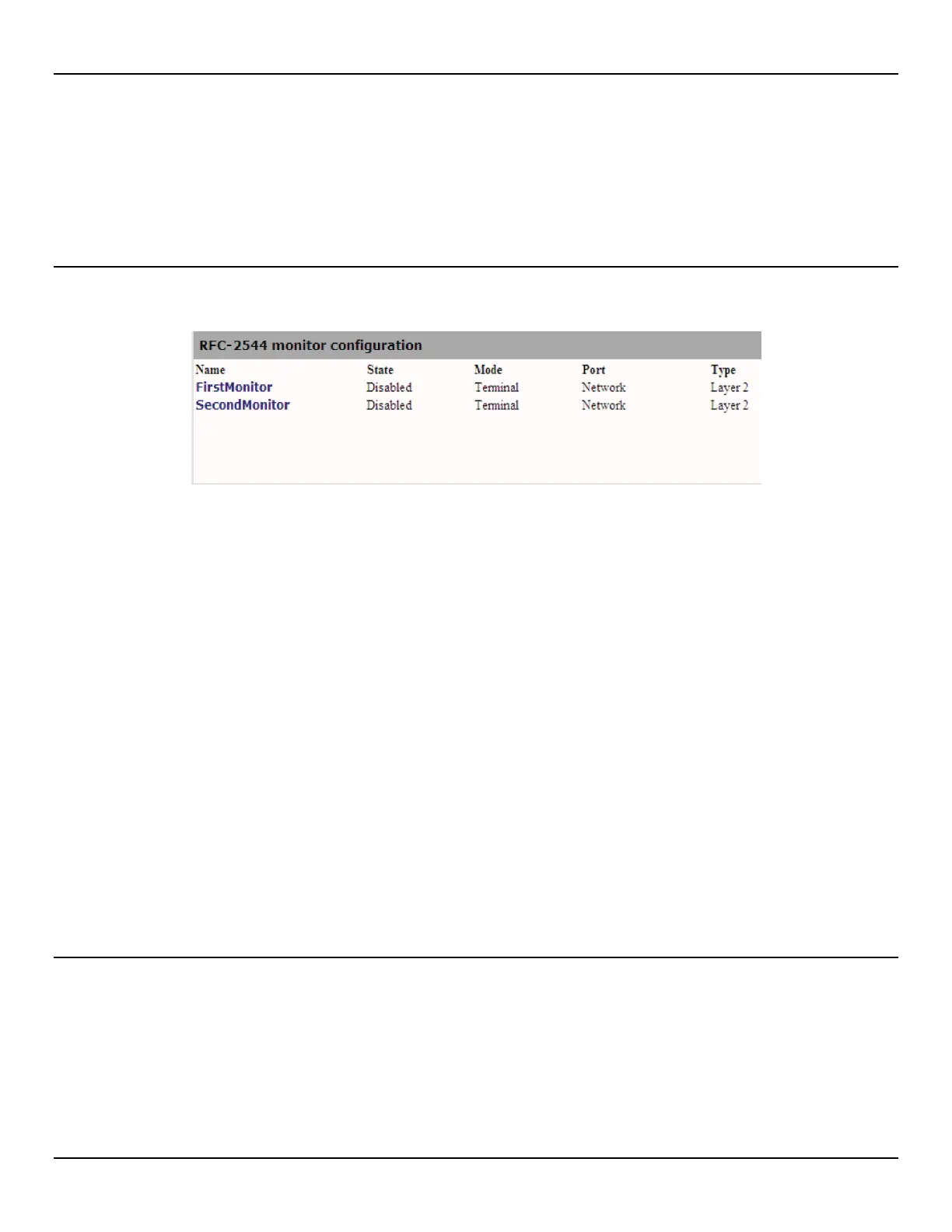
To view the RFC-2544 monitors, open the RFC-2544 > Monitor page.
Name
Unique name assign to the monitor.
State
State of the monitor. (Enabled or Disabled)
Mode
Mode of the monitor. (Terminal or Bypass)
• Terminal : The RFC-2544 test will terminate at this NID.
• Bypass : The RFC_2544 test measurements will be taken but the traffic will follow the rules configured in the
Policies for this specific traffic type.
Port
Incoming port of the monitor.
Type
Type of packets being inspected. (Layer-2 or Layer-3)
Detailed view of RFC-2544 Monitor
To view the detailed view of RFC-2544 measurements, click on the details link for the specific monitor.



 To Next Page