3: Management & Configuration
Syslog options
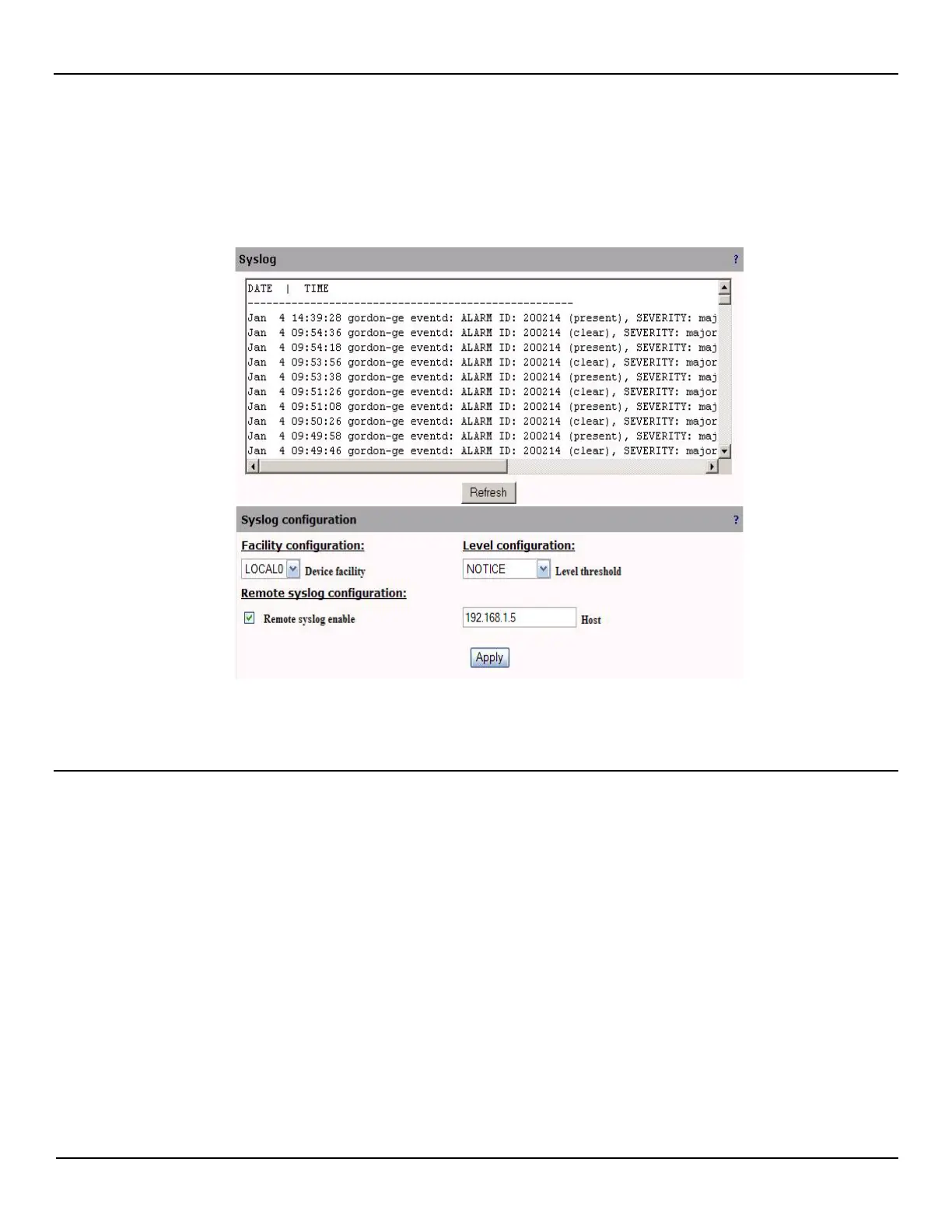
To define syslog options, open the System > Syslog page. The syslog page displays all syslog entries with the most
recent entry at the top.
Syslog information can be sent to a remote server by setting the options in the Remote Syslog Configuration box.
Configure these options as required and then click Apply.
Syslog parameters
Facility configuration
Device facility
All messages are logged using this user defined facility instead of the default ones.
Level configuration
Level threshold
Log all messages with level equal to or above the selected one in the drop down list. For example, If CRITICAL level is
selected, then all messages with level CRITICAL, ALERT or EMERGENCY will be logged.



 To Next Page