7: Operations, Administration & Maintenance
Adding a loopback
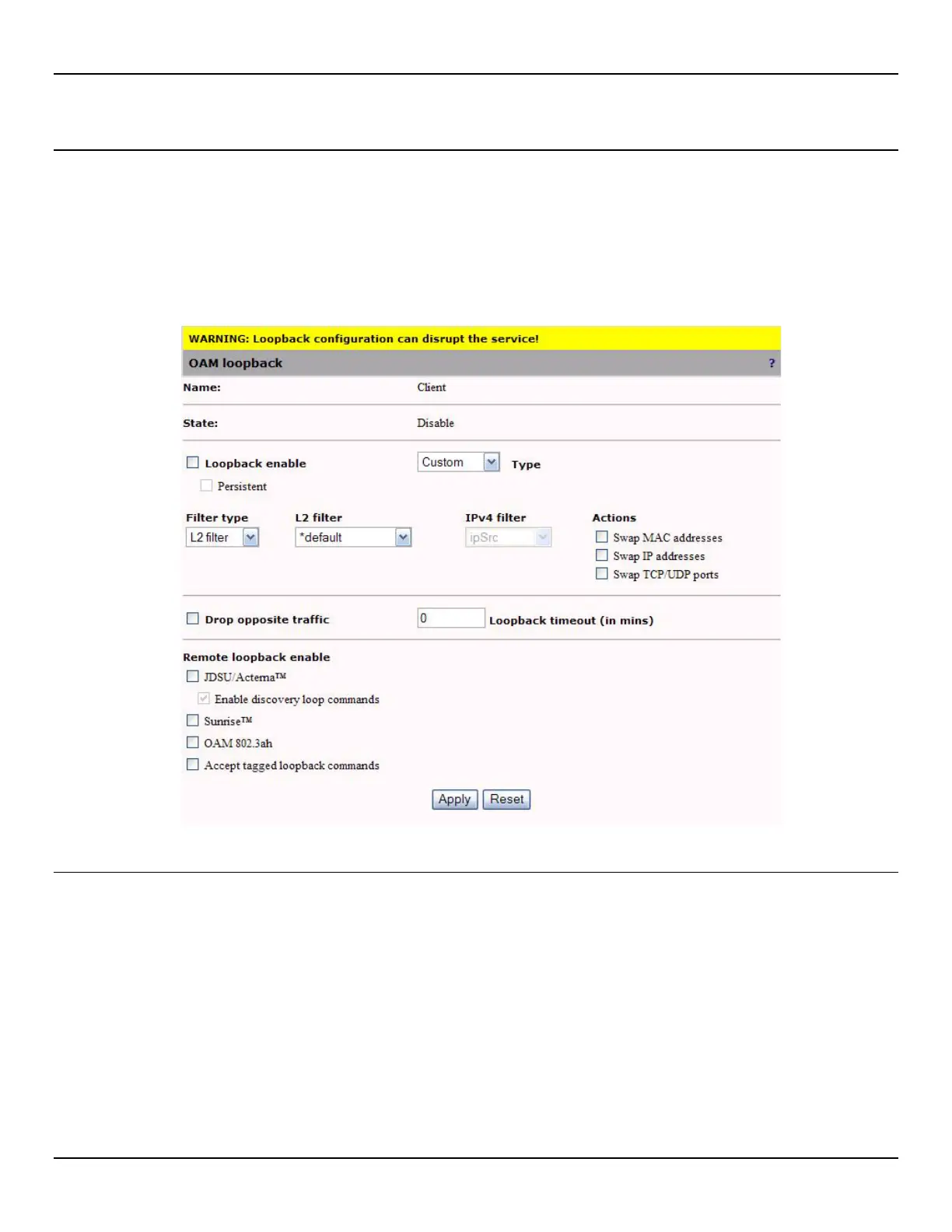
To add a loopback, do the following:
1. Only one loopback is supported per OAM instance. Therefore, before you can add a new loopback, you must first
add an OAM instance on the OAM > Configuration page.
2. Open the OAM > Loopback page.
3. Configure loopback parameters and click Apply.
Loopback parameters
Name
The OAM instance name as defined in the OAM configuration page.
State
The current state of the loopback.
Loopback enable
Enables the loopback function.



 To Next Page