7: Operations, Administration & Maintenance
Loopbacks
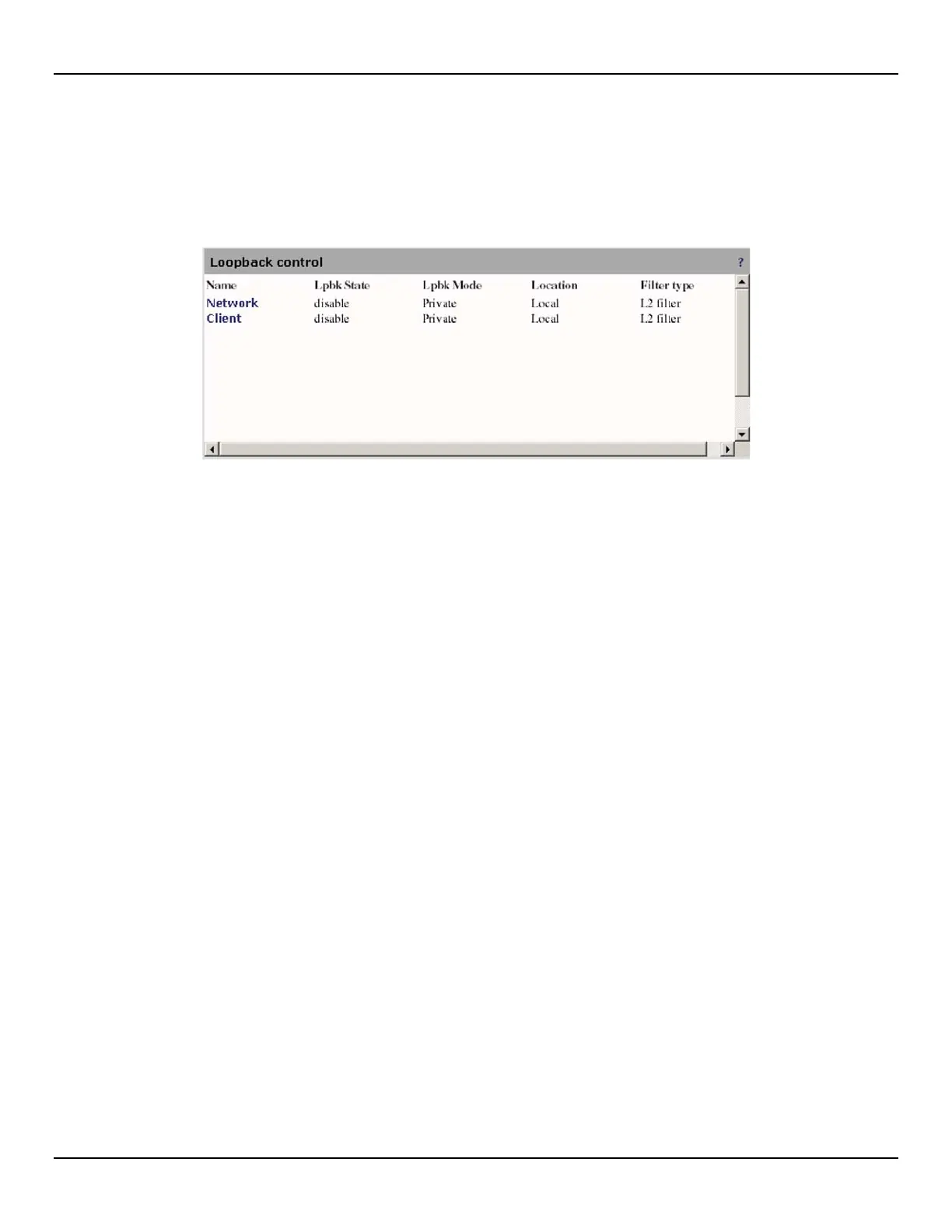
The EtherNID supports in-service loopbacks on either the client or network ports. To view a list of all loopbacks and their
settings, open the OAM > Loopback page.
The following information is presented for each loopback:
• Name: This field reports the loopback instance name, as configured in the loopback configuration page. Click on
an instance name to configure it.
• Lpbk state: Reports the enable/disable state of the loopback. An enabled loopback may not necessarily loopback
traffic; this depends on the location setting. An instance enabled to react on external loopback commands is not
shown in this field.
• Lpbk mode: The loopback control logic, once enabled, may be using the standard IEEE 802.3ah mode or may be
using a private or proprietary mode. When using the private mode, the user can select filters and can allow other
traffic to flow through, effectively doing an in-service loopback.
• Location: A loopback instance may be local or remote. Once enabled, a local loopback immediately applies the
loopback to the unit as programmed. An enabled remote loopback will instruct the unit to transmit a loopback
request to its OAM partner.
• Filter type: For private loopback mode, a filter must be selected. See the loopback configuration page for details.



 To Next Page