3: Management & Configuration
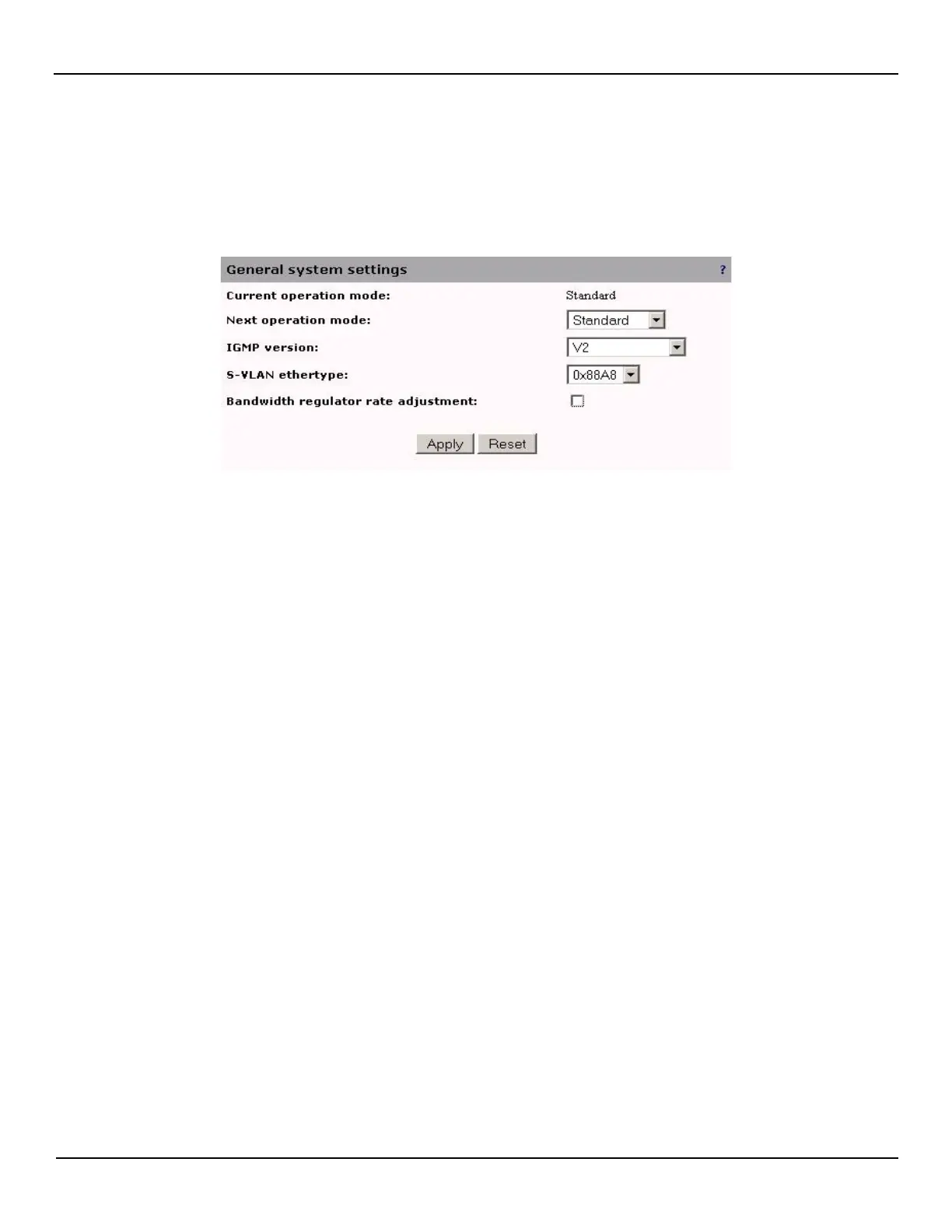
General system settings
To change the general settings of the unit do the following:
Open the System > Configuration > Mode page.
Current operation mode
In the case where a product supports more than one operation mode, this field displays the currently active mode.
Next operation mode
You can select the next operation mode to apply to this board after the next reboot.
IGMP version
Choose the IGMP version for the unit. This will affect the IGMP configuration of all interfaces on the unit.
S-VLAN ethertype
Choose a value for the S-VLAN ethertype. This will affect all unit entities that make use of the S-VLAN ethertype. (i.e.
interfaces, filters, rfc-2544)
Bandwidth regulator adjustment
Enable or disable the bandwidth regulator rate adjustment. This is used to preserve a specific Bandwidth rate when an
Encapsulation is being pushed onto an EVC.



 To Next Page