11: CFM
CFM configuration
To configure CFM, do the following:
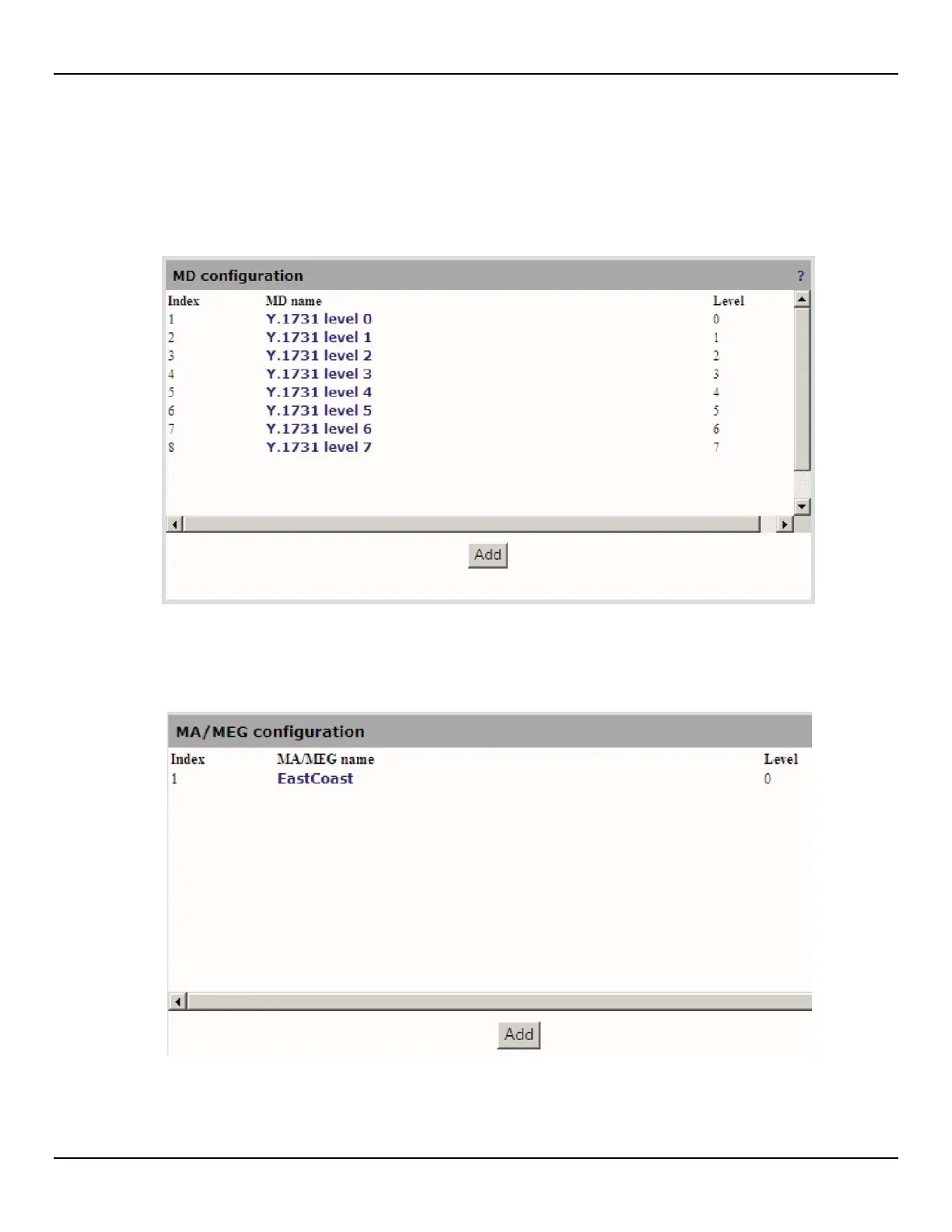
1. Open the CFM > MD page
.
2. Click Add to add a new MD configuration if required or you may use one of the preconfigured defaults.
3. Configure CFM instance name and settings and click Apply.
4. Open the CFM > MA/MEG page.
5. Click Add to add a new MA/MAG (Maintenance Association or Maintenance Entity Group).



 To Next Page