3: Management & Configuration
Session management
To configure session management options, do the following:
1. Open the Session > Management page.
2. Define session management parameters as required by your setup and then click Apply.
Management parameters
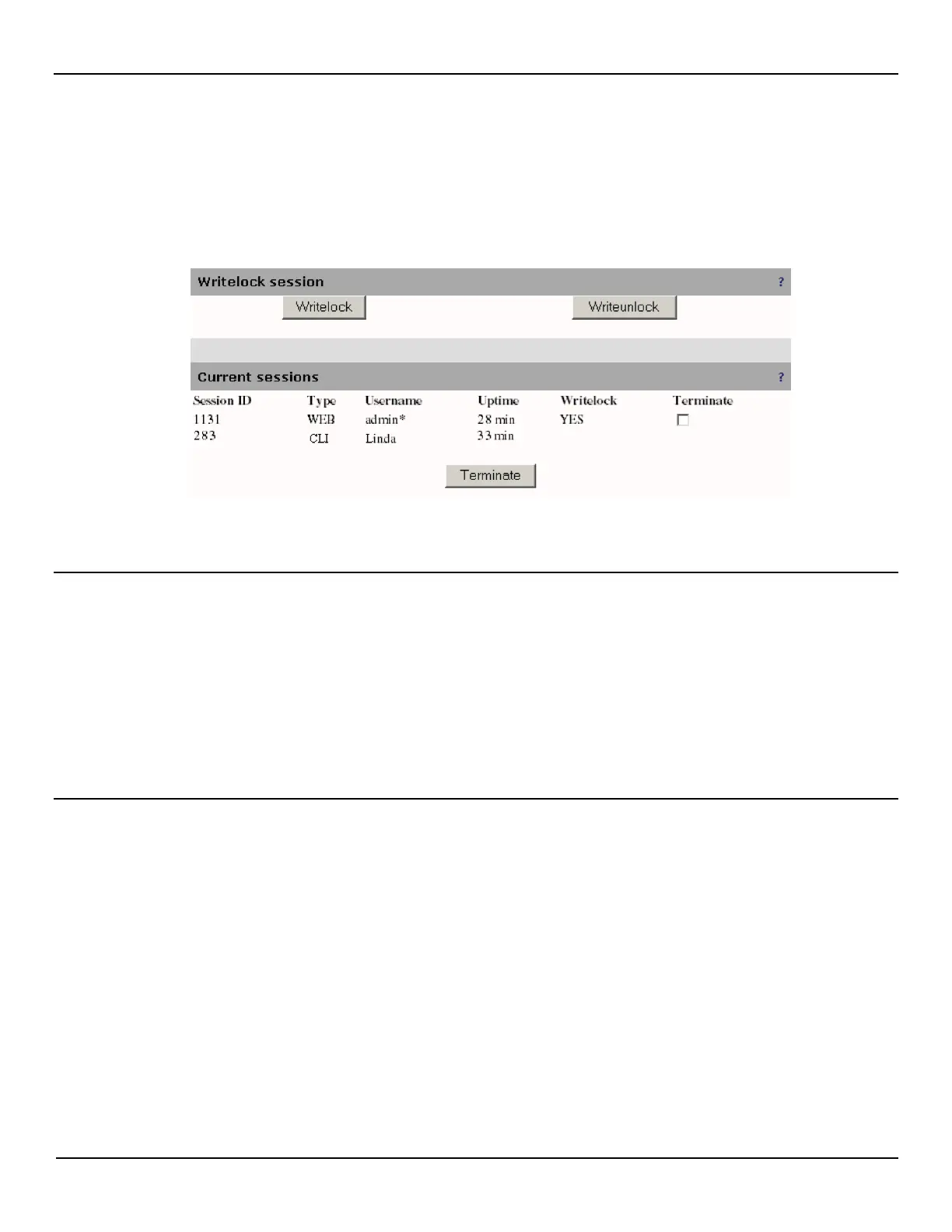
Writelock session
The management web interface supports multiple concurrent users, therefore to maintain the integrity of the configuration
settings, only one user at a time has the ability to make changes.
• Writelock: Click this button to lock the configuration so you can make changes.
• Writeunlock: Click this button to unlock the configuration so someone else can make changes.
Current sessions
Lists all sessions currently logged into the EtherNID.
Session ID
Unique number that identifies a session. Automatically generated by the EtherNID.
Type
Indicates which interface the session is using.
Username
Identifies the user account that is logged in. An asterisk (*) next to the username indicates the username of the session
that is viewing this web page.



 To Next Page