5: Monitoring & Filtering
z IP precedence
z DSCP
Reference count
The reference count is the number of policies that are currently using this CoS profile.
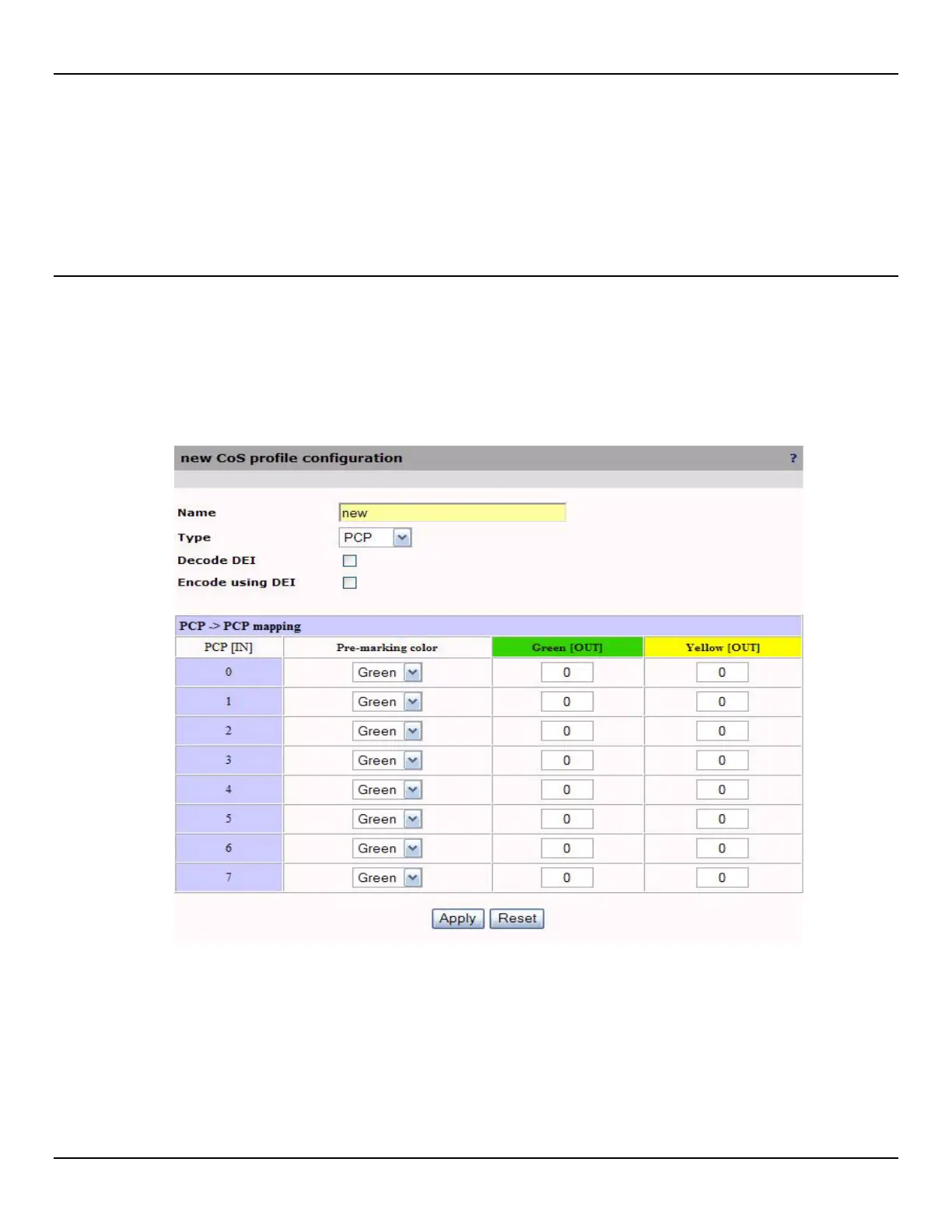
Configuring a CoS Profile
Once a Cos profile is created, it can be applied to policies for traffic classification.
To configure a CoS profile, do the following:
1. Open the Traffic > Mapping page.
2. Click Add in the CoS profiles section, or click a profile name to edit and existing one.
3. Configure CoS profile parameters and click Apply.



 To Next Page