6: Alarms
Chassis alarms
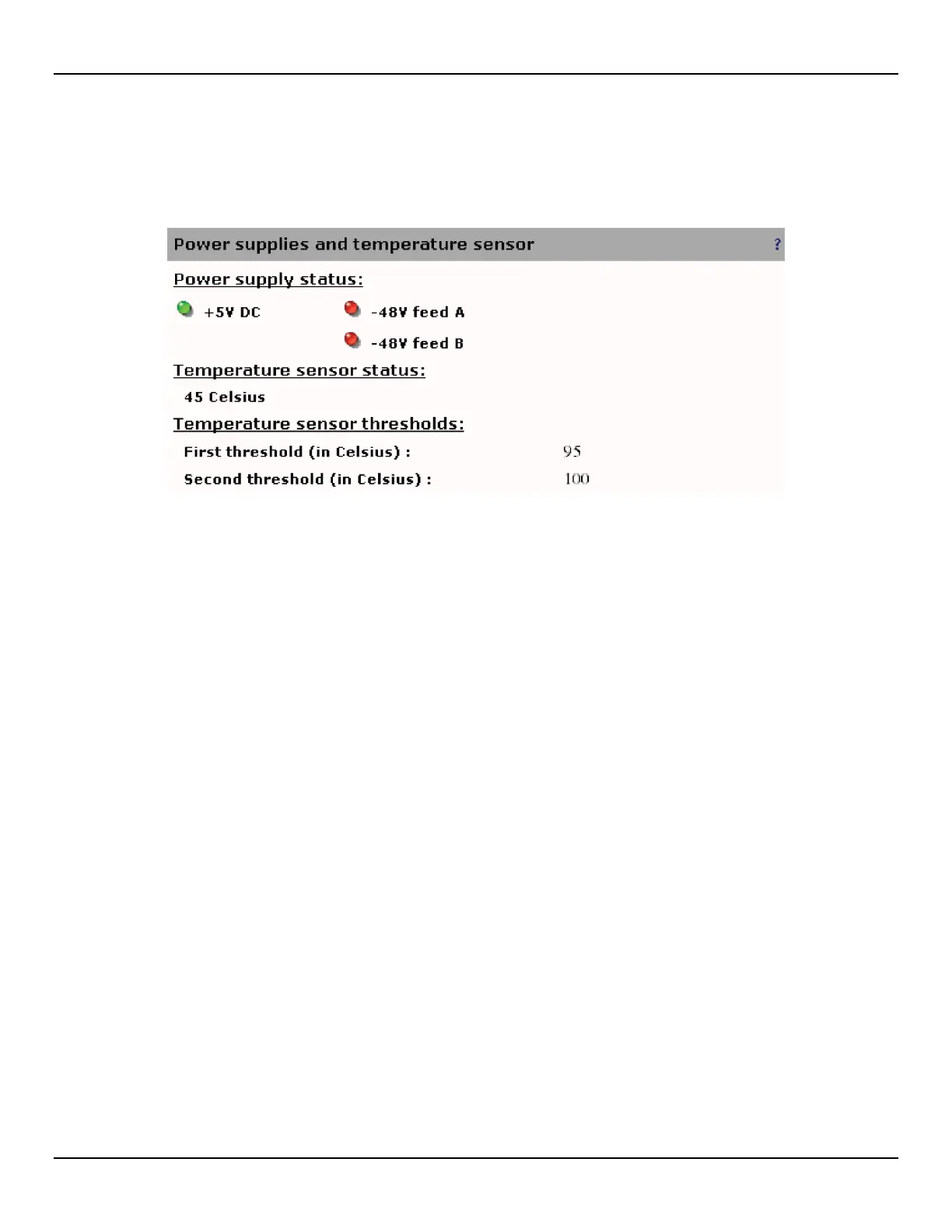
The Alarm > Chassis page presents chassis-related status, alarms, and alarm settings.
Power supply status
Indicates the status of the various power sources.
• A green light indicates that the power source is connected and is operating normally.
• A red light indicates that the power source is not connected or is not operating normally.
Temperature sensor status
Indicates the current temperature inside the unit.
Temperature sensor thresholds
• First threshold: Indicates the temperature that will activate a first overheat temperature alarm.
• Second threshold: Indicates the temperature that will activate a second overheat temperature alarm.



 To Next Page