4: Port configuration
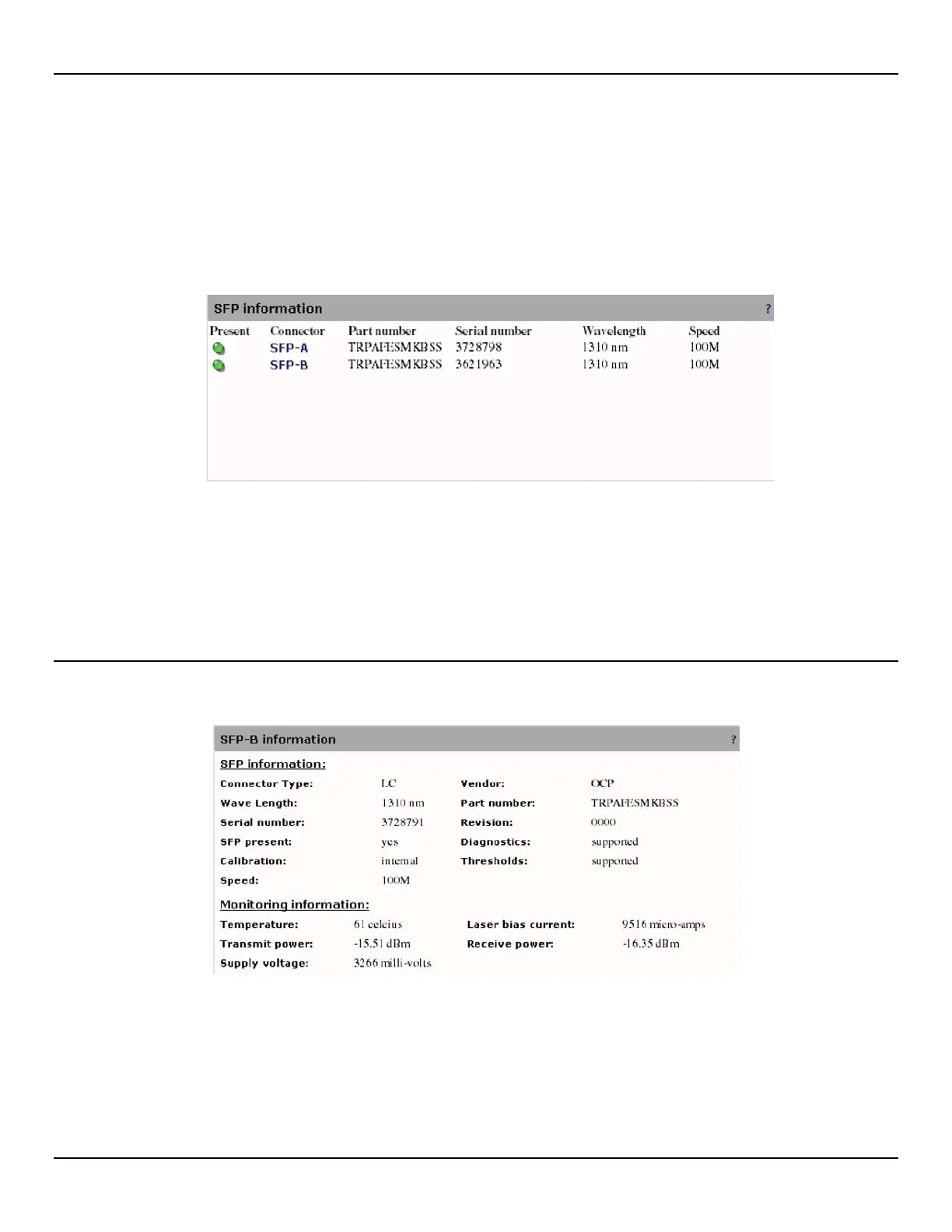
SFP information
(Supported only on the EtherNID GE / MetroNID TE / TE-R / TE-S)
To view SFP information, do the following:
1. Open the Port > SFP page.
2. Click the name of the port for which you want to view detailed statistics. Refer to the following sections for more
information.
•
SFP information on page 8585
•
SFP thresholds on page 87
•
SFP memory and monitor memory on page 90
SFP information
This box displays general SFP information and monitoring information.
Connector Type
Indicates the external optical or electrical cable connector provided as the media interface.
Vendor
Indicates the vendor name. This is a 16 character field that contains ASCII characters padded on the right with ASCII
spaces (20h).



 To Next Page