78 User Information
Advanced Functions
Reset
Description
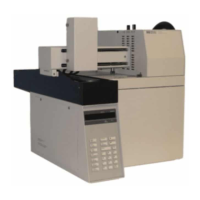
Select Reset to force the sampler to abort whatever it is doing
and rerun its startup routine. See “Power on diagnostics” on
page 35 for more information.
Note:
• The instrument remains Not Ready until all setpoints for the
method are reached.
• The last method in use before the reset remains in effect.
• After the reset, the Headspace Sampler asks if it should
recover vials from the oven carousel. Choose “yes” to have the
Headspace Sampler return the vials to the tray. Choose “no”
to manually recover the vials if any remain in the oven.
Reset HSS now?
Yes No
Enter Clear
ADV. FUNCT.
READY
medium_standard.book Page 78 Tuesday, February 17, 2004 10:14 AM


 To Next Page
 Loading...