116
Tool Offset Key (900, Lathe Mode Only) (Continued)
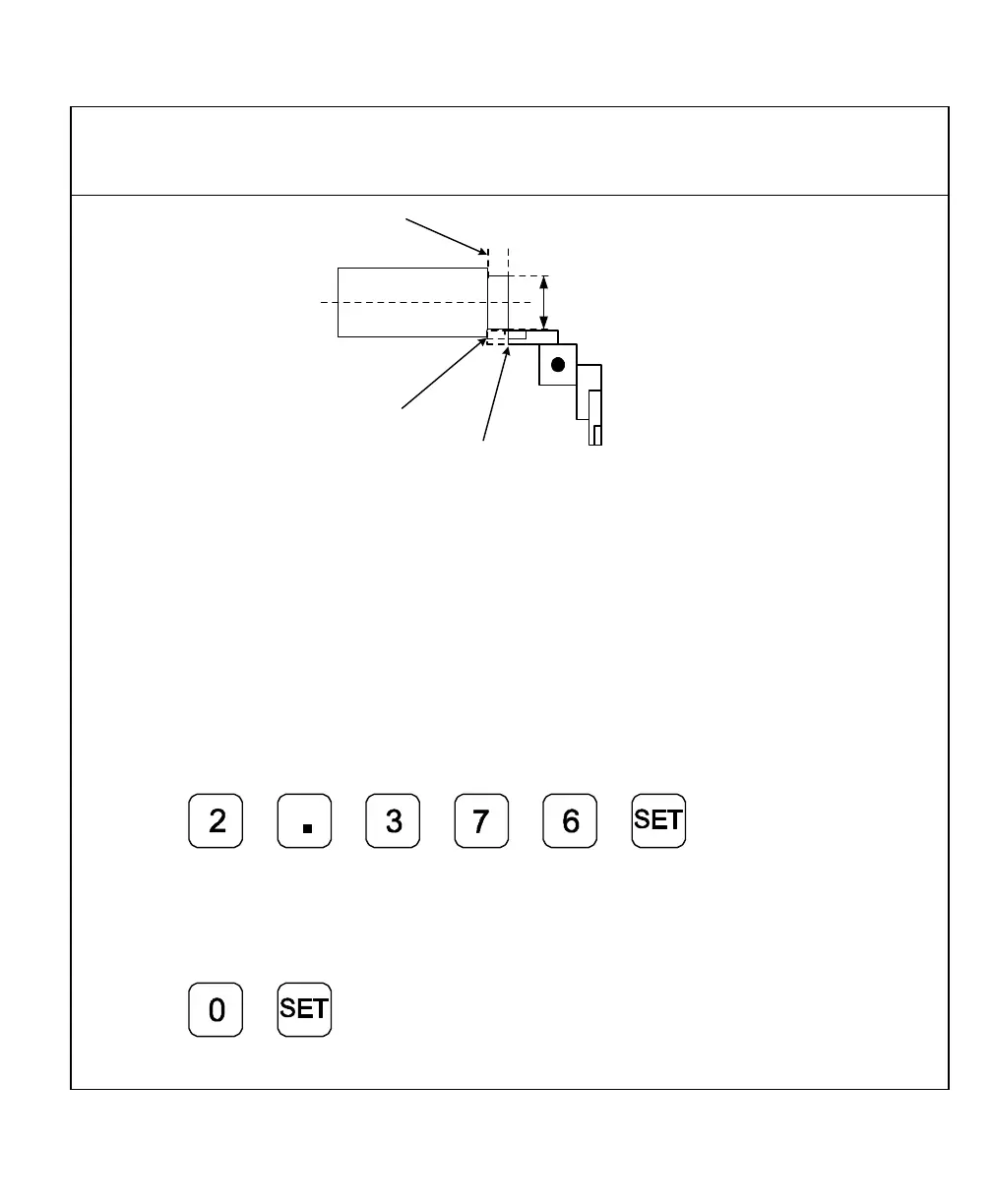
2.376 Inches (56.35 mm)
1.00 Inch
(25.4 mm)
Tool Number 1
Inside Workpiece
Tool Number 1
at Corner of
Workpiece
Z Axis Zero
Reference Point
3. Move the tool to the workpiece and make a skim cut on the diameter, about 1 in.
(25.4 mm), to allow a micrometer to measure the workpiece.
4. Measure the diameter of the workpiece. The measurement in the example is
2.376 in. (56.35 mm).
5. Move the tool to the corner of the workpiece or any known position as illustrated in
the example.
To preset the tool offset:
6. Press the axis key for the X-axis.
7. Press
8. Move the tool to the Z-axis reference point.
To store this reference point:
9. Press the axis key for the Z-axis.
10. Press
The offset for tool number 1 is preset.



 To Next Page