101
Advanced (ADV) Functions Key (Continued)
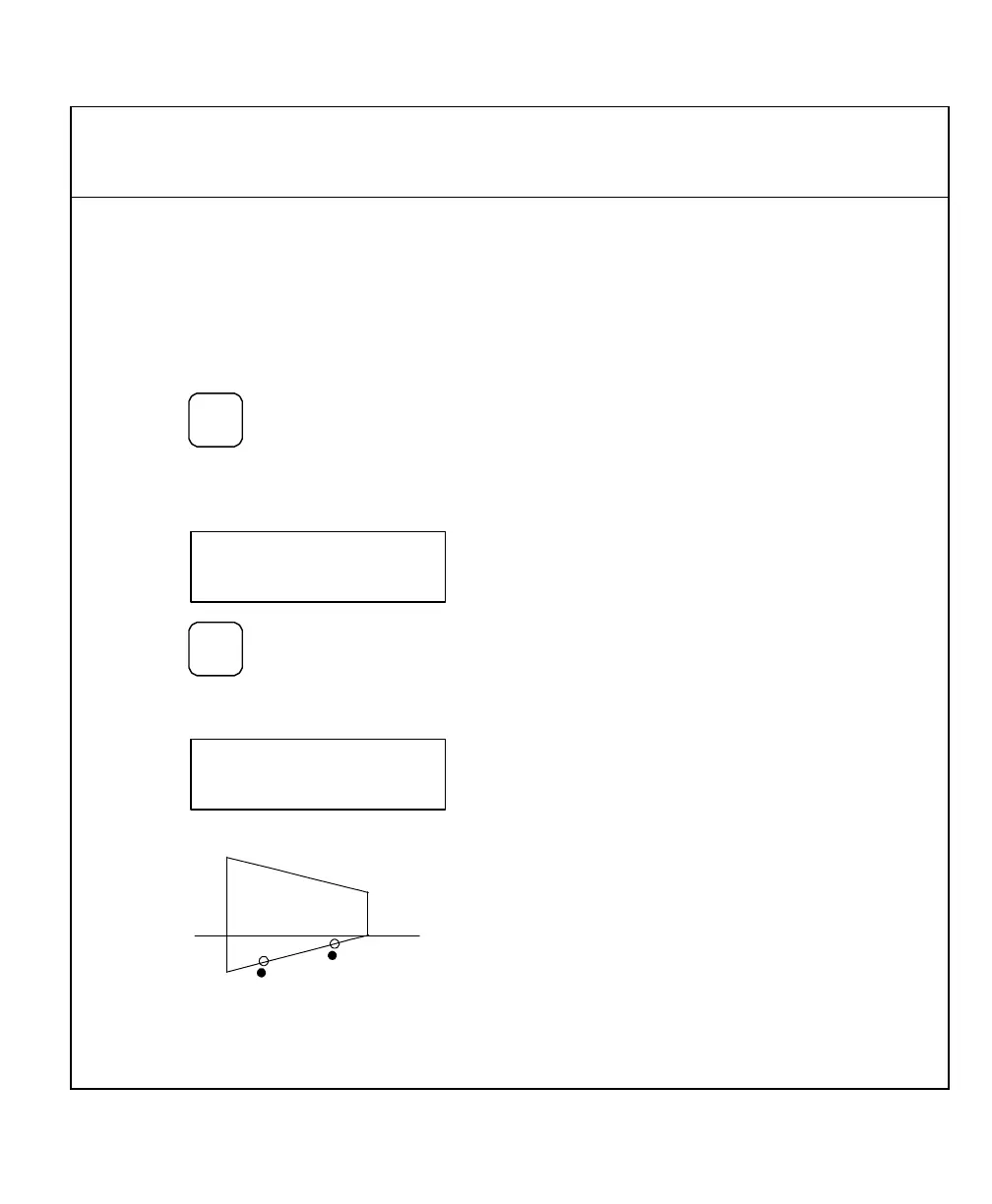
Taper Calculator Function (900, Lathe Mode Only)
The Taper Calculator function allows you to preset a taper angle on the lathe cross slide
attachment without having to make a test cut. This function can also be used to calculate
the taper on a workpiece.
To access the Taper Calculator function:
1. Press
repeatedly to scroll through
the Advanced Functions list.
When the DRO displays the following in the message window:
2. Press
The DRO displays the following in the message window:
Example:
1
To calculate the taper angle for this example:
3. Move to position 1.



 To Next Page