54
Connecting the Edge Sensor Probe
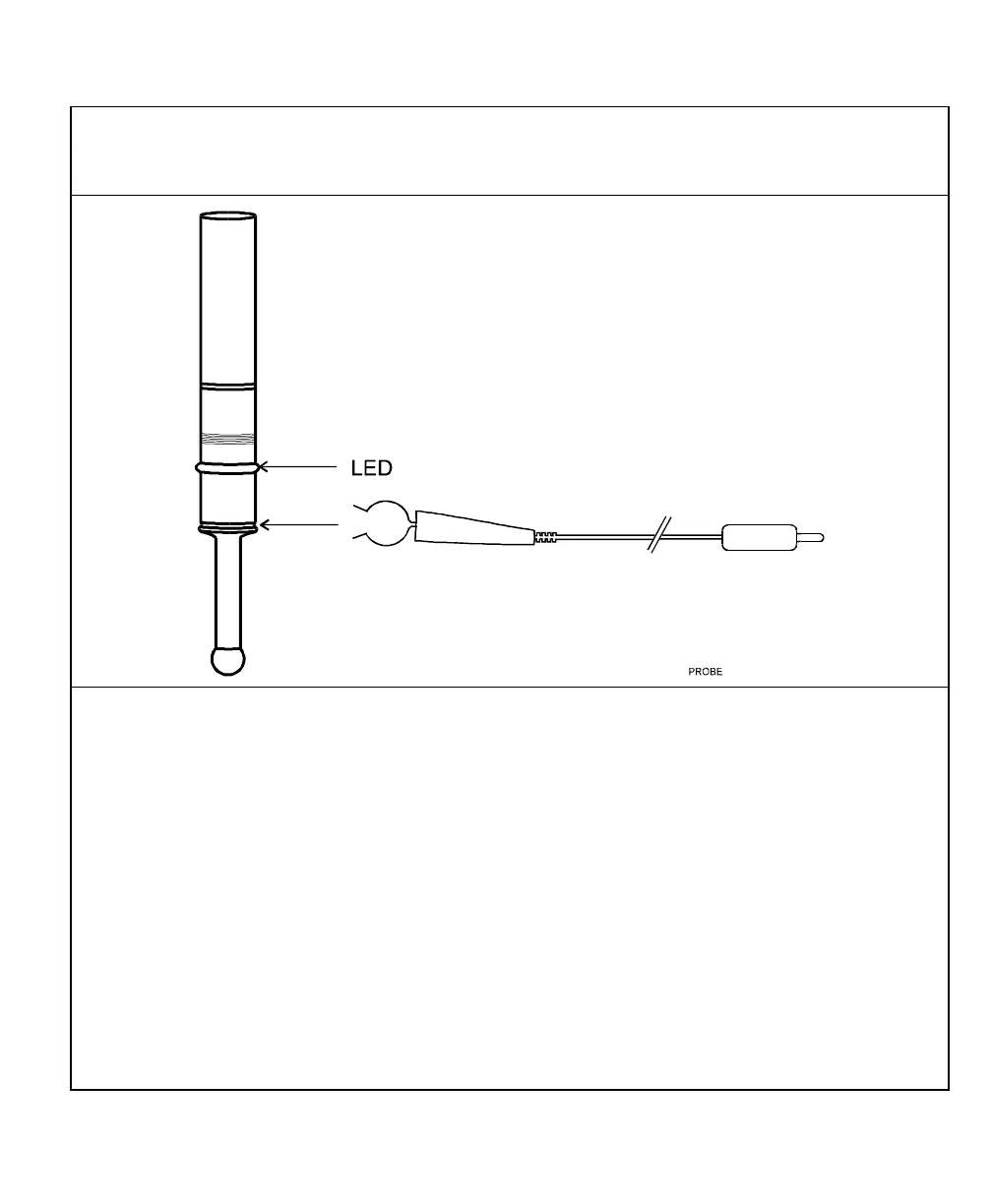
CAUTION: To avoid electrical shock, unplug the DRO from the power source.
1. Connect the ground wire on the back of the DRO to a proper earth ground.
2. Place the round spring clip in the appropriate groove on the probe.
NOTE: Ensure that the round spring clip on the probe cable is connected to the probe
below the LED.
3. Plug the other end of the probe cable into the circular jack on the back of the DRO.
The red LED on the probe should glow dimly, indicating a proper connection. When you
touch the probe tip to the workpiece, the red LED should glow brightly.



 To Next Page