17
Presetting a Dimension
Presetting allows you to enter a dimension into an axis display. After you have preset the
dimension, you can move the machine until the axis indicates zero.
You can also use the preset feature as a one-line recall mode if the display is set in
Incremental Mode.
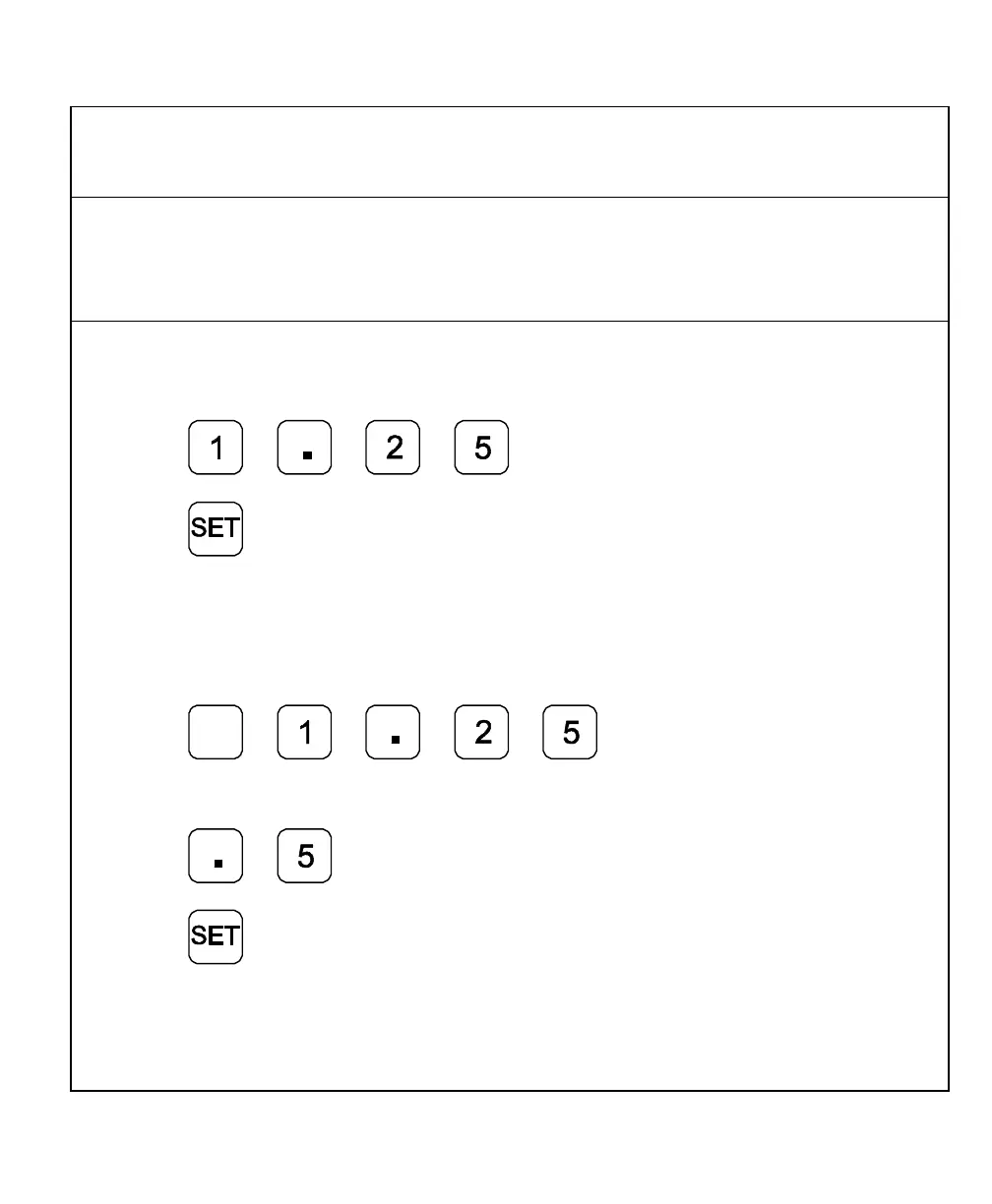
Example 1: Preset the dimension 1.2500 (31.75 mm) on the axis display.
1. Press the desired axis key.
2. Press to enter the dimension.
3. Press to preset the dimension.
Example 2: Preset the dimension - 1.2500 in. (- 31.75 mm) on one axis display and
.5000 (12.7 mm) on another axis display.
1. Press the desired axis key.
2. Press
+
_
to enter the dimension.
3. Press the desired axis key.
4. Press to enter the dimension.
5. Press to preset the dimension.
NOTE: As a safety feature, the preset axis does not display movement until you press
SET. If you press SET after you move the machine, the DRO automatically
updates to the new position.



 To Next Page