37
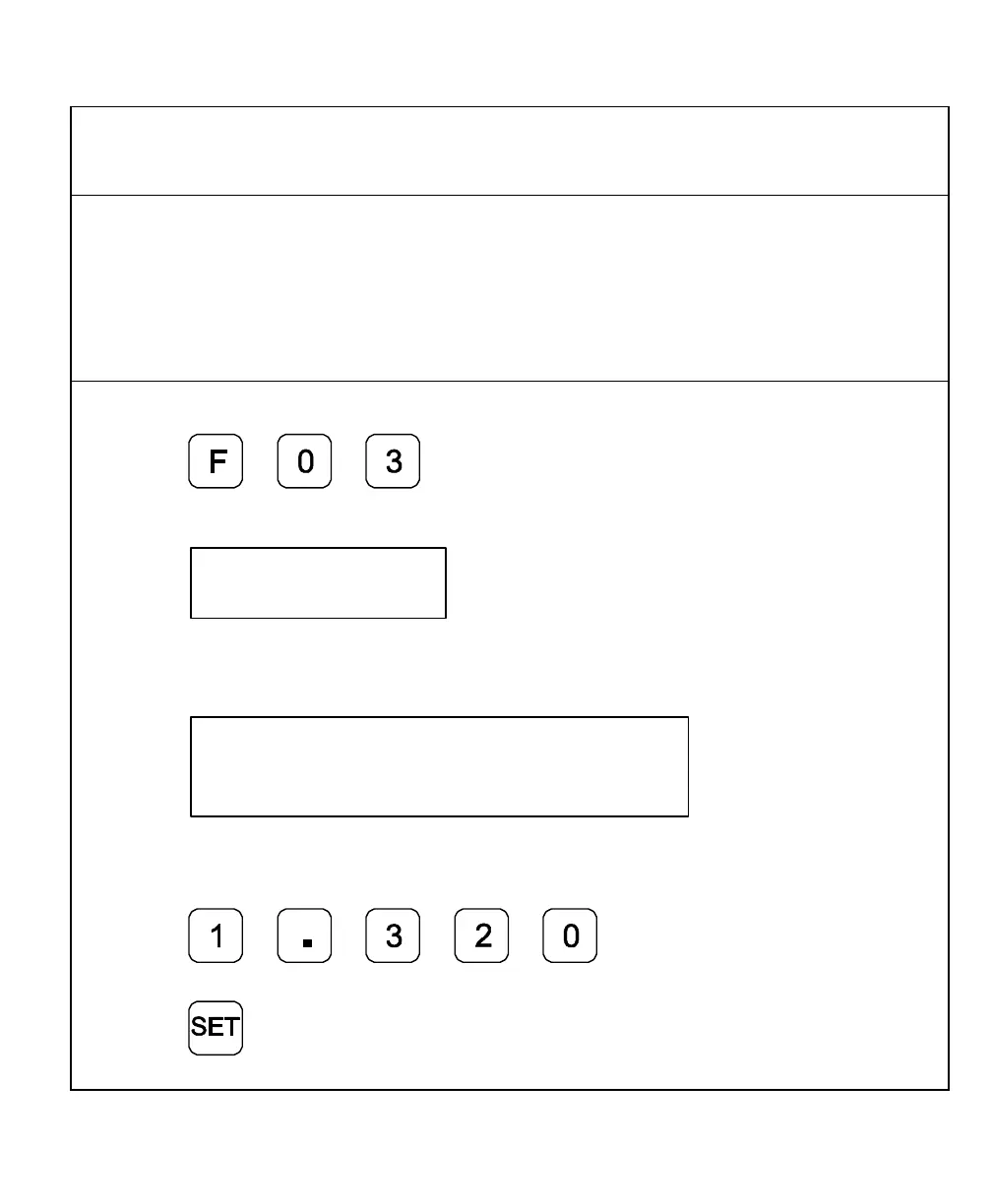
Setting a Correction Factor – F 03
F 03 allows you to compensate for nominal linear inaccuracies due to your machine or for
adding material shrinkage/expansion, as in mold work.
The maximum allowable settings are ± 40%.
Example: Consider a 1.325-in. (33.655 mm) travel on the display that is only 1.320 in.
(33.528 mm) actual distance moved on the axis.
To set a correction factor for the axis:
1. Press to activate the CF feature.
The DRO displays the following in the message window:
2. Press the desired axis key to select the axis.
The DRO displays the following in the axis display:
3. Move the machine axis to 1.325 on the display.
4. Press the desired axis key again.
5. Press to enter the actual
distance.
6. Press



 To Next Page