71
Display Dim OFF/ON – F 22/F 23
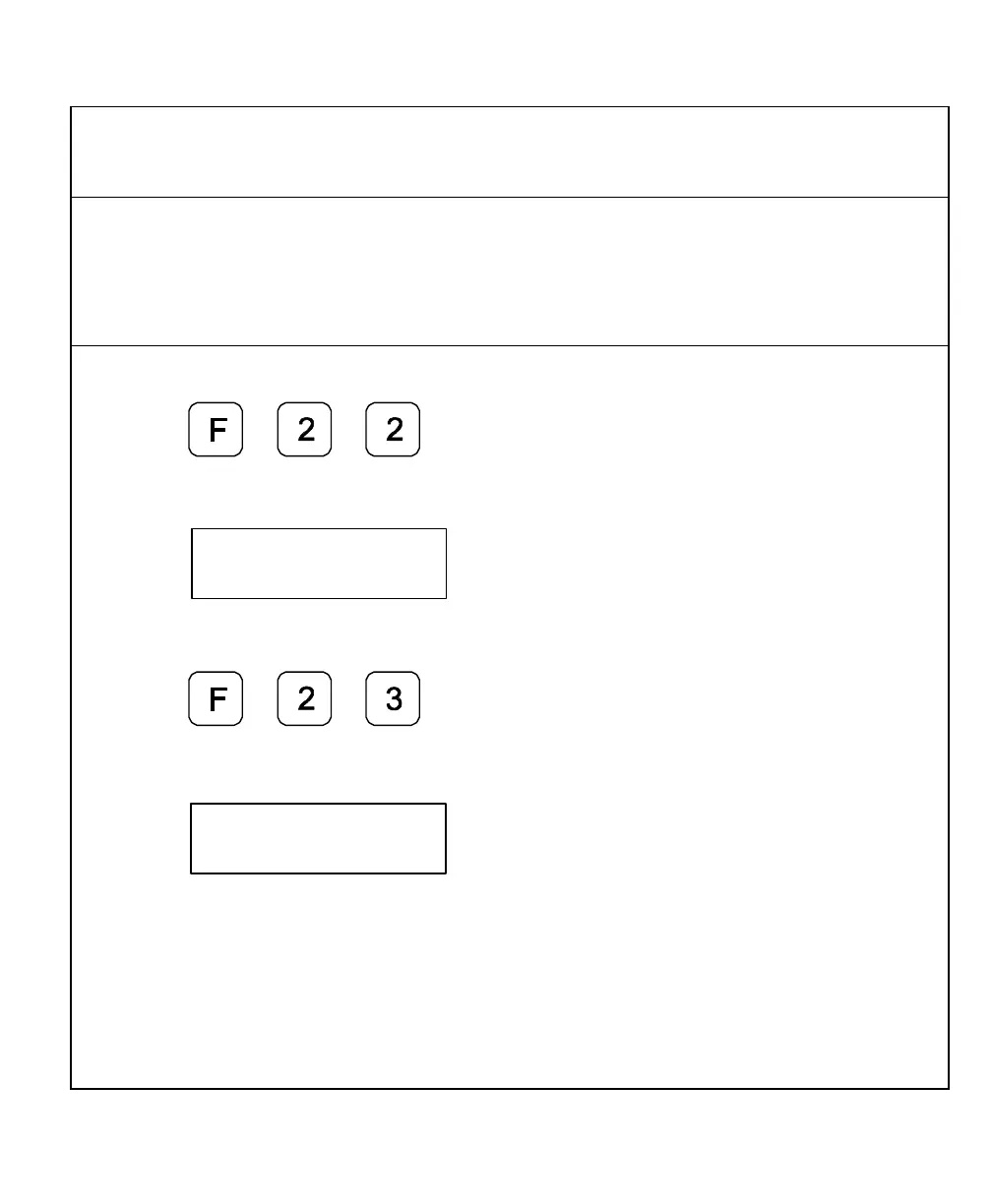
F 22 allows you to activate Dim Mode; F 23 allows you to deactivate Dim Mode. To
increase the life of the display, the DRO automatically dims if it is not used for 15 minutes
(similar to a computer terminal’s screen-saver mode). When you activate Dim Mode the
axis displays show blinking decimal points. The DRO remains in Dim Mode until you
press a key or move one or more linear encoders. (Default: ON)
To select DIM ON:
1. Press
The DRO displays the following in the message window:
To select DIM OFF:
1. Press
The DRO displays the following in the message window:
NOTE: You can disable this feature, however the DRO still goes into Dim Mode after
standing idle for one hour.



 To Next Page