39
100-Point Axis Error Compensation – F 80/F 81
F 80/F 81 allow you to correct non-linear errors. The DRO allows setting a
compensation table with a maximum of 100 different points per axis. This
feature allows you to compensate for machine tool inaccuracies.
To determine the compensation values it is necessary to measure the axis
with a Laser Interferometer or other measuring device.
Axis Error Compensation is only possible if the Reference mark evaluation is activated
(EverTrack
TM
).
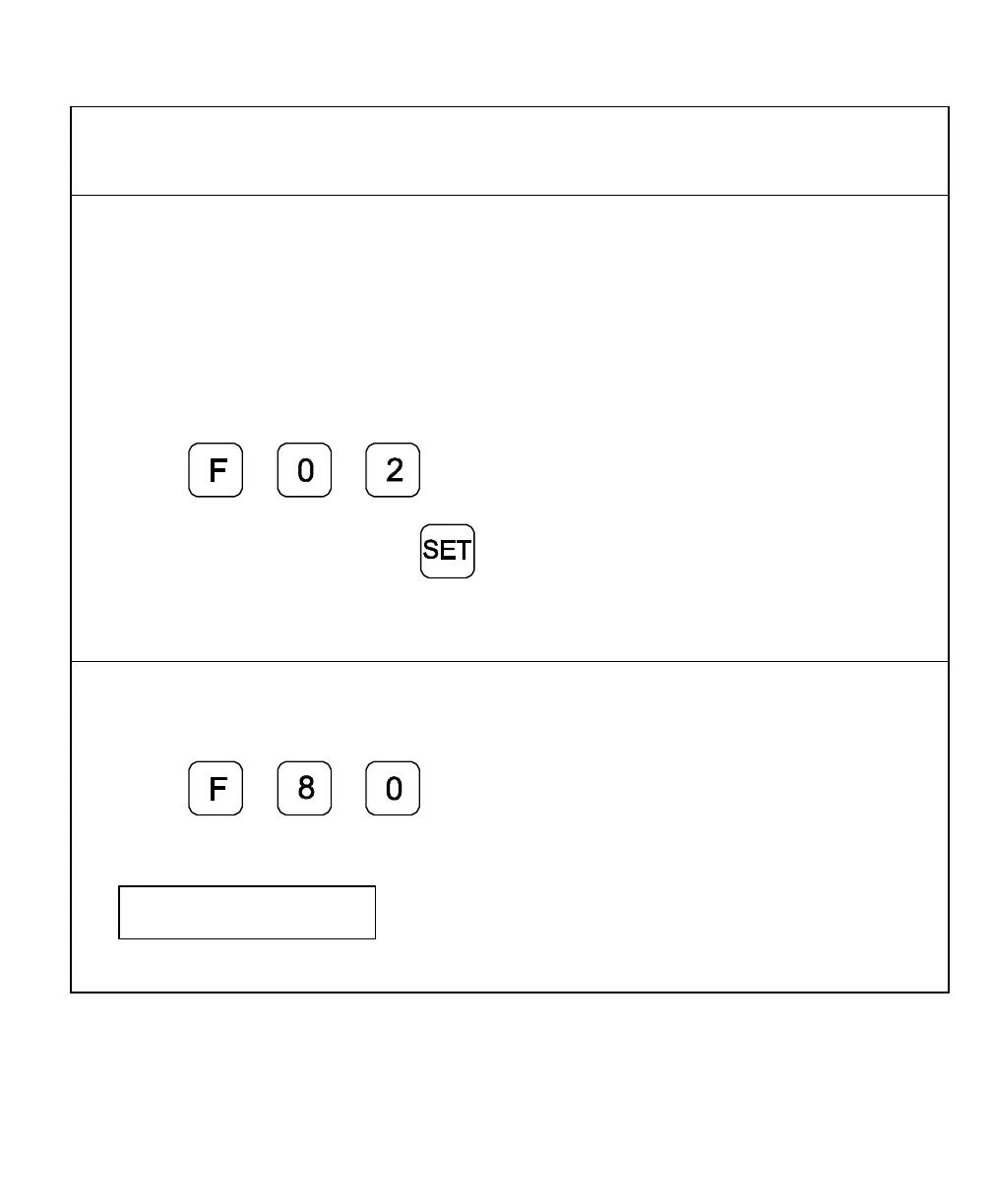
1. Press
2. Press the desired axis key and
Move the linear encoder for the axis across the reference mark until RI stops blinking and
the display starts to count.
Measure the Axis
To measure the axis, switch the DRO to mode “REFERENCE DISPLAY”.
1. Press
The DRO displays the following in the message window:
SEL AXIS



 To Next Page