55
Edge Sensor Probe – F 09
F 09 allows you to position the spindle on the edge of the workpiece.
To activate the edge sensor probe:
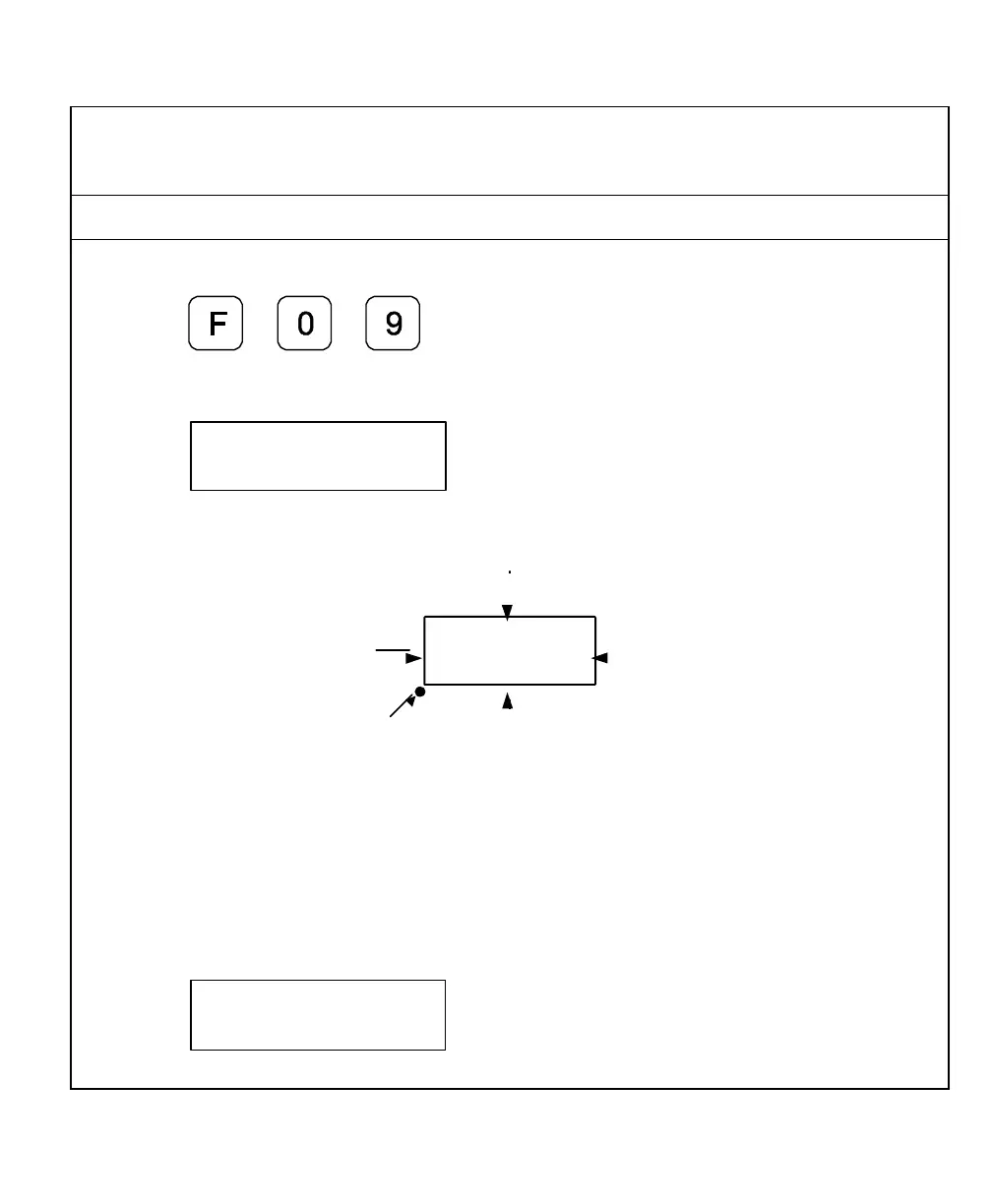
1. Press
The DRO displays the following in the message window:
NOTE: When you move the X-axis from left to right enter a positive diameter; when you
move the X-axis from right to left enter a negative diameter (See Figure 1).
Center of Spindle
Figure 1: Selecting Direction of Movement
Example: To enter a probe diameter of .2 in. (5.08 mm) for the X-axis (moving from left
to right):
2. Press the axis key to select the axis.
The DRO displays the following in the message window:



 To Next Page