111
Datum Key (N/A for 900, Lathe Mode) (Continued)
Enter Datum (Alternate Method)
If you know the axis locations for the corner of the parts, you can enter the datum table
for the previous example without moving the tool from the machine home position as
follows:
1. After power on, establish a machine home position using Absolute Zero Set – F 01 or
activate EverTrack
TM
Mode – F 02.
To enter datum 1:
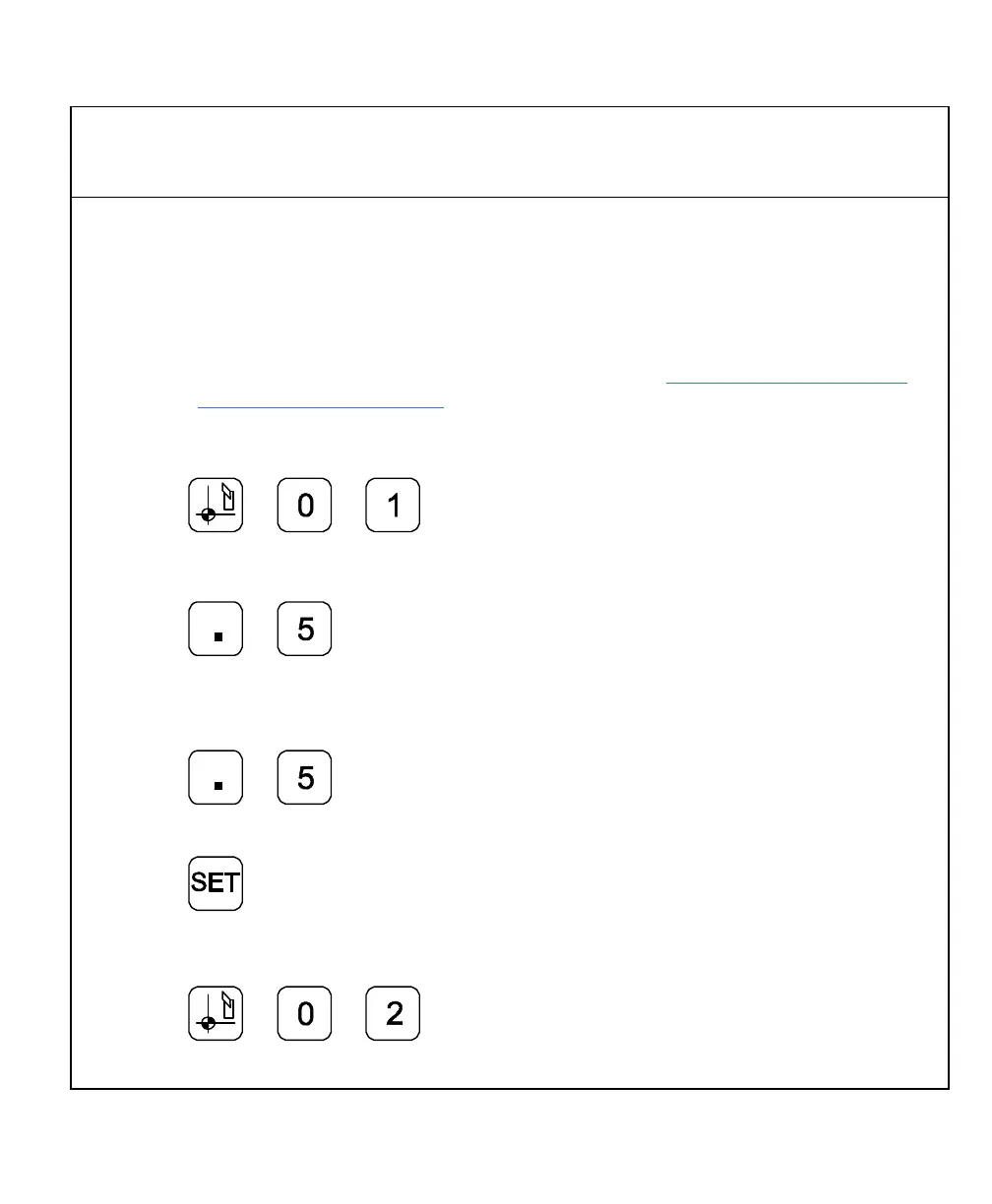
2. Press
3. Press the axis key for the X-axis.
4. Press to enter the X-axis value,
.5 in. (12.7 mm).
5. Press the axis key for the Y-axis.
6. Press to enter the Y-axis value,
.5 in. (12.7 mm).
7. Press to set datum 1.
To enter datum 2:
8. Press



 To Next Page