113
Datum Key (N/A for 900,Lathe Mode) (Continued)
Recall Datum
Recall Datum allows you to recall a preset datum.
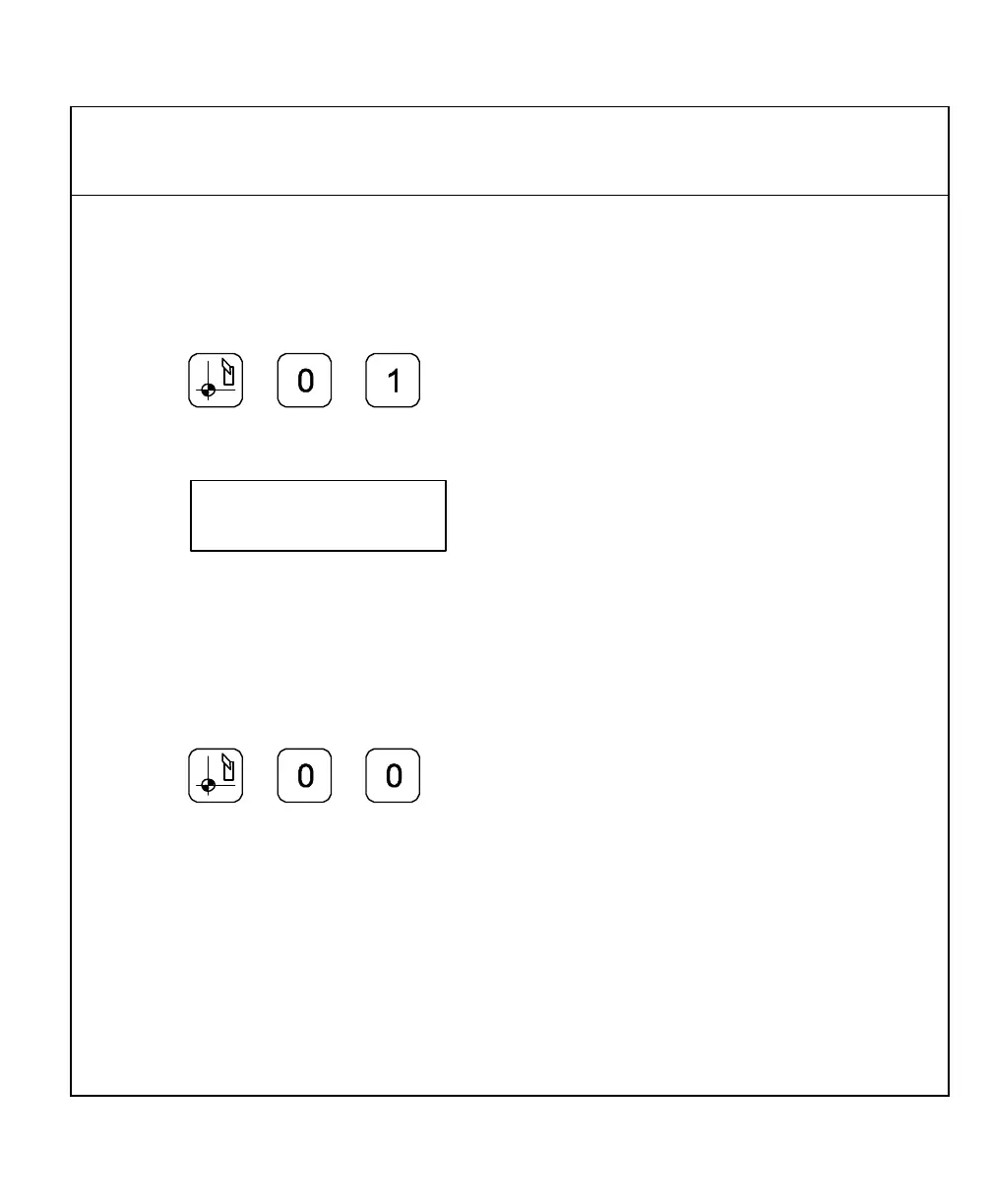
Example: To recall datum 1 from the previous example:
1. Press
While the datum is activated, the DRO displays the following in the message window:
2. Move the X-axis and Y-axis until the axis displays indicate 0 (zero).
This is the location for Datum 1.
3. Perform the machine process on part 1.
To return to the machine home position (datum 0):
4. Press
5. Move the X-axis and Y-axis until the axis displays indicate zero (0).
This is the location for the machine home position (datum 0).



 To Next Page