32
Dividing an Axis Value by 2
This feature allows you to divide a value on an axis display by 2. You can also divide any
values entered in an axis display by 2.
Example 1: The axis display indicates 7.126 in. (181 mm). To divide this value by 2:
1. Press
2. Press the desired axis key.
The axis display now indicates 3.563 in. (90.5 mm).
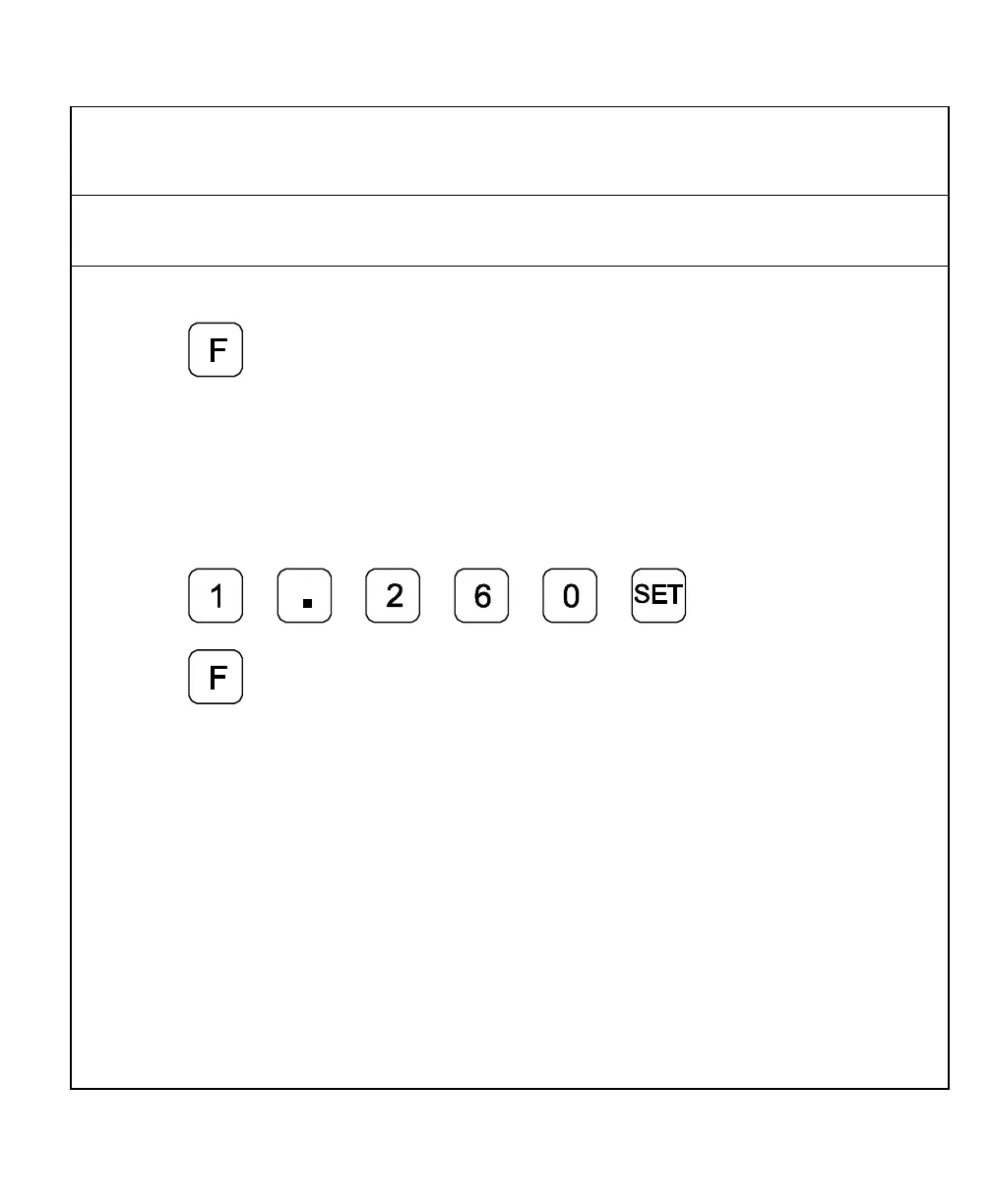
Example 2: To divide 1.260 in. (32 mm) by 2 in the axis display:
1. Press the desired axis key.
2. Press
3. Press
4. Press the desired axis key.
The axis display now indicates .630 in. (16 mm).
NOTE: You can use this feature to find the center point of a workpiece by zeroing the
tool at one edge of the workpiece, then moving the tool to the opposite edge
and dividing by 2.



 To Next Page