58
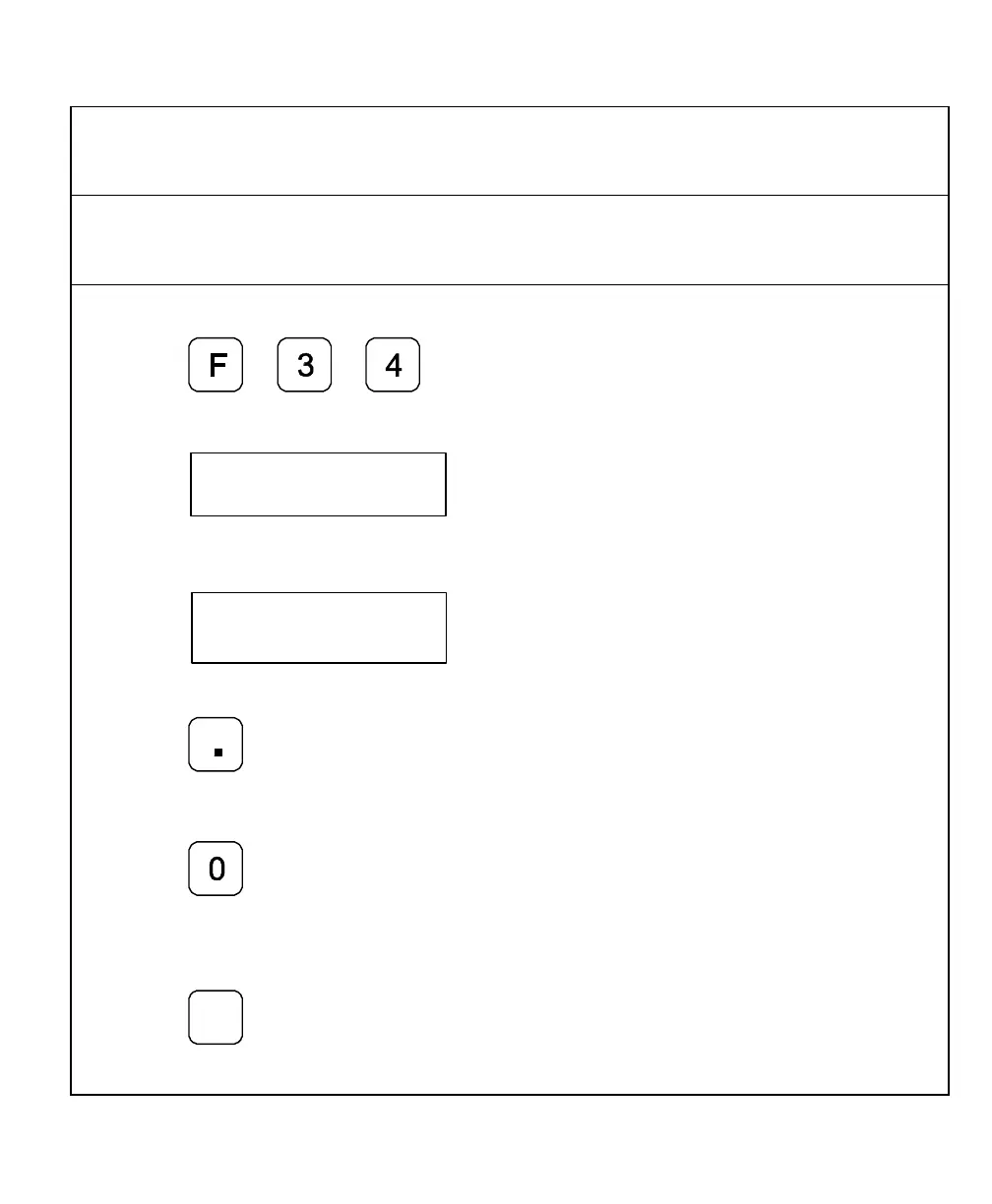
Job Clock ON/OFF – F 34
F 34 allows you to toggle the DROs integrated job clock ON or OFF. When activated, the
job clock displays the time in hours, minutes, and seconds in the message window.
(Default: OFF)
To turn the job clock ON:
1. Press
The DRO temporarily displays the following in the message window:
The DRO resets the axis display windows to zero and displays the job clock in the
message window.
Jc
To start or stop the job clock:
2. Press
To reset the job clock to 0 (zero):
3. Press
To redisplay the message window and run the job clock in the background or to redisplay
the job clock:
4. Press
+
_



 To Next Page