31
Adding/Subtracting Values
This feature allows you to add or subtract values using the axis display values. You can
add/subtract a value to/from a value displayed for a machine position or for values you
enter in an axis display.
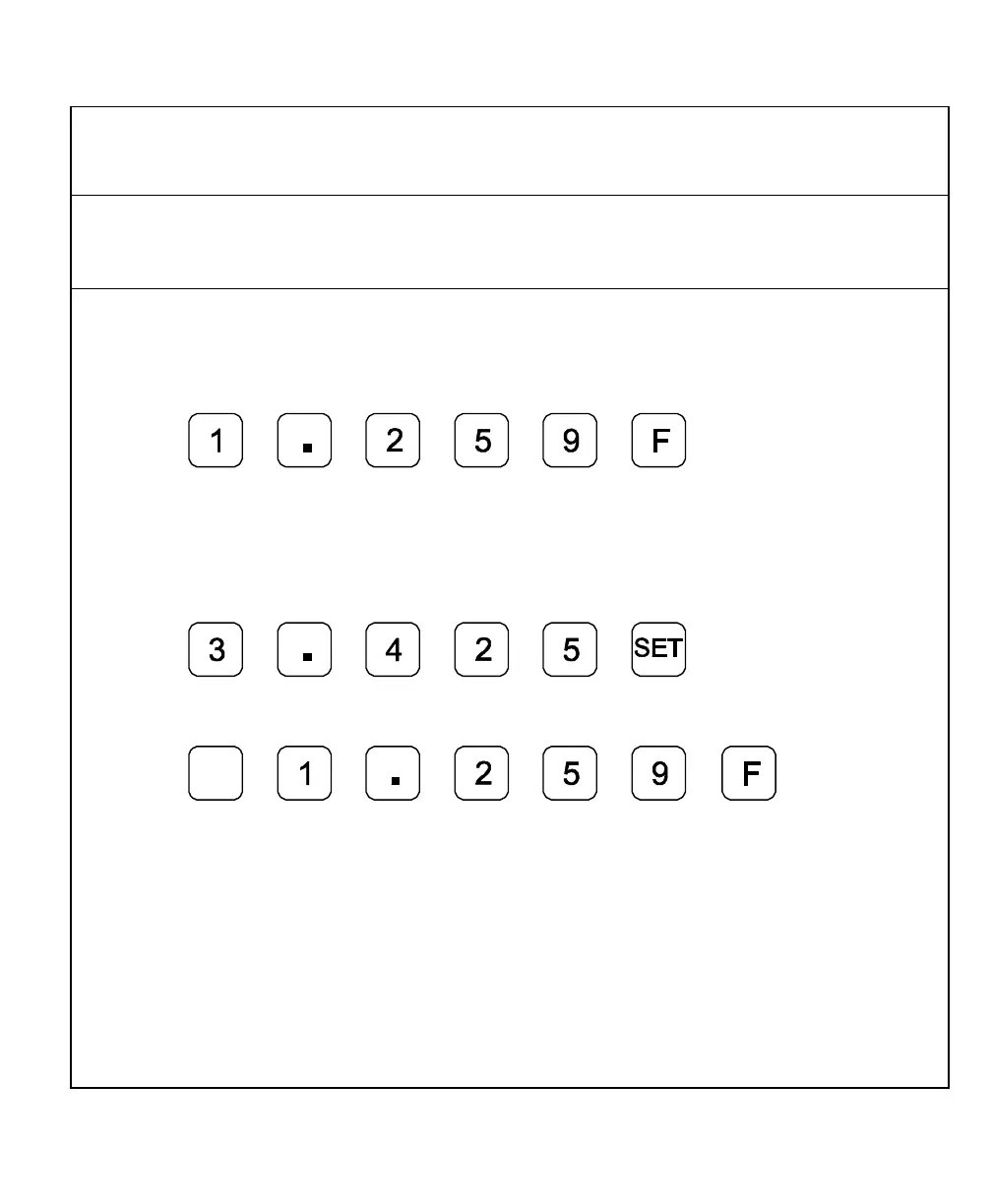
Example 1: The axis display indicates 3.425 in. (87 mm). To add 1.259 in. (32 mm)
to this value:
1. Press the desired axis key to select the axis.
2. Press
The axis display now indicates 4.684 (119 mm).
Example 2: To subtract 1.259 in. (32 mm) from 3.425 in. (87 mm) in the axis display:
1. Press the desired axis key to select the axis.
2. Press
3. Press the desired axis key to select the axis.
4. Press
+
_
The axis display now indicates 2.166 in. (55 mm).



 To Next Page