72
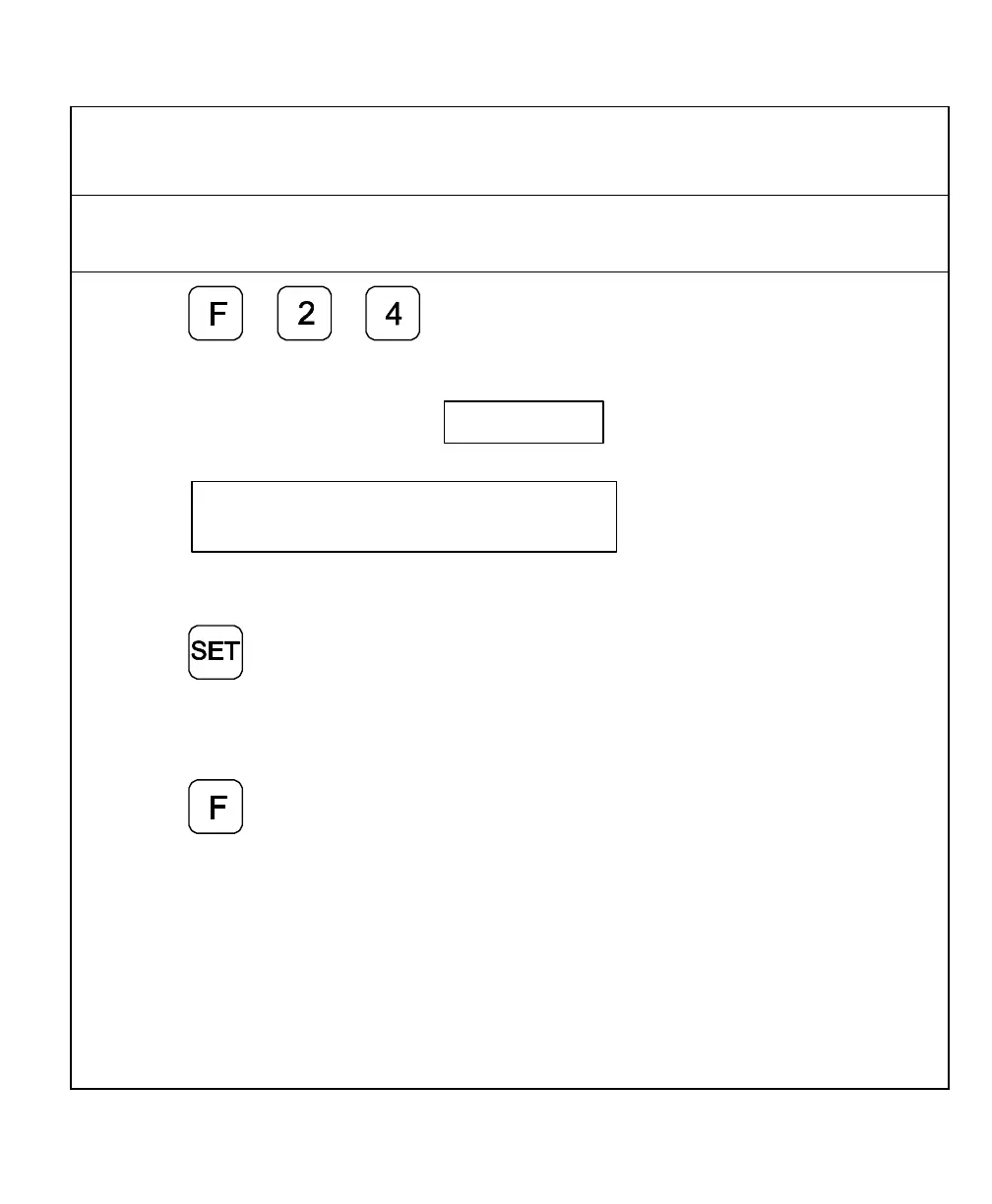
Axis Designation – F 24
F 24 allows you to assign an axis to each display you select. You can change the
assignment of any axis to X, Y, Z, W, Z
1
, X
1
or no axis designation.
1. Press to select the feature.
The DRO displays the following in the message window and axis display:
2. Press the desired axis key to scroll through the available settings.
3. Press to activate the axis
assignment.
OR
4. Press to exit without changing the
axis assignment.



 To Next Page