108
Datum Key (N/A for 900, Lathe Mode)
The Datum Key allows you to enter a datum table (maximum 99 datum points). A datum
is a point or reference location, from which you can machine a part. Datum points allow
you to machine similar programs on different parts. After you machine a group of parts,
you can place a new group on the machine and machine the same programs on the new
parts.
NOTE: Before you enter a datum table, establish a machine home position using
Absolute Zero Set – F 01 or activate EverTrack
TM
Mode – F 02.
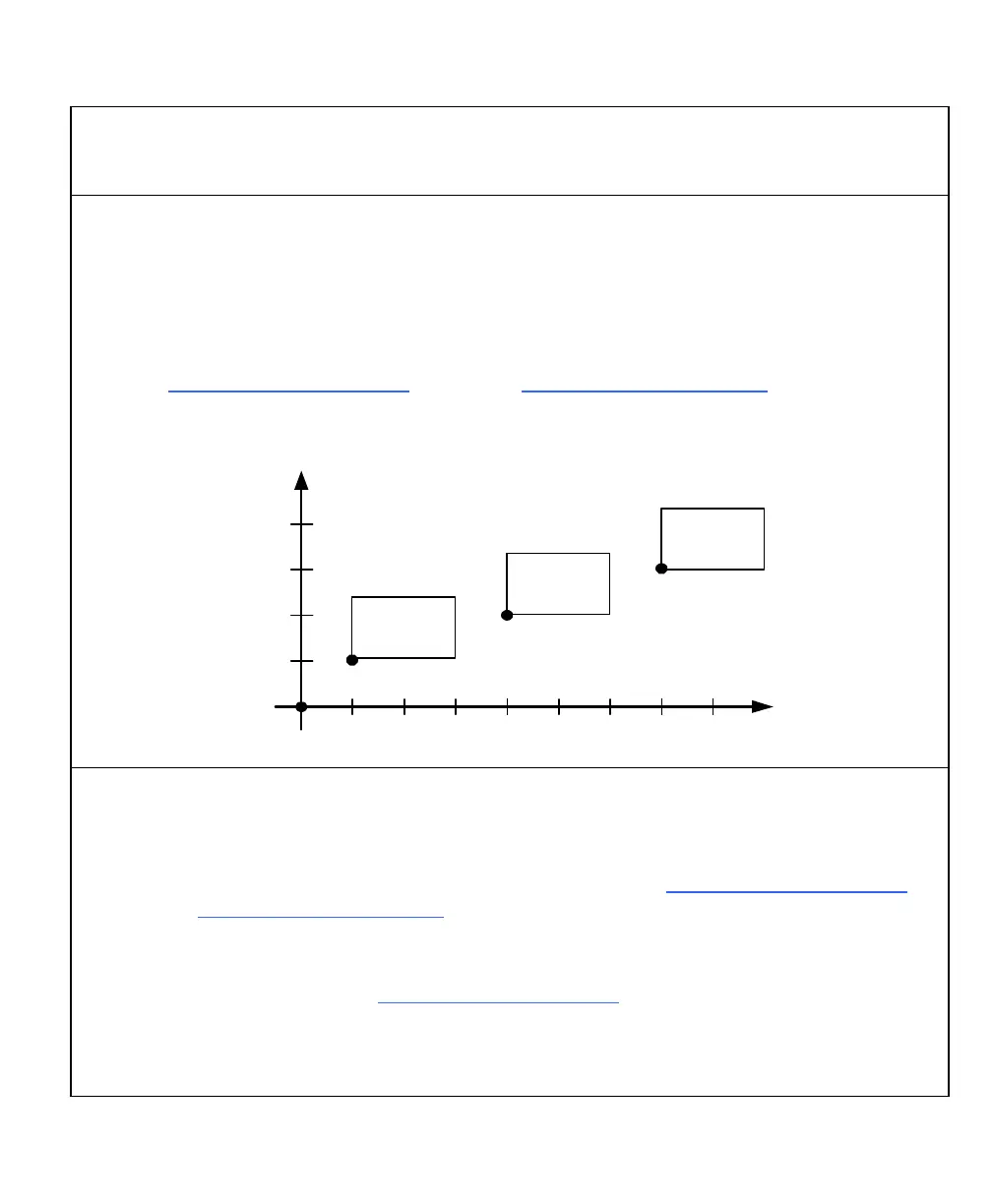
Example:
Y
X
Machine
Home
Position
Part 3
Part 2
Part 1
2 Inches
(50.8 mm)
1 Inch
(25.4 mm)
1 Inch
(25.4 mm)
2 Inches
(50.8 mm)
3 Inches
(76.2 mm)
4 Inches
(101.6 mm)
Enter Datum
To enter a datum table for the above example:
1. After power on, establish a machine home position using Absolute Zero Set – F 01 or
activate EverTrack
TM
Mode – F 02.
2. Move the tool to the home position (indicated by the black dot).
3. Establish a part zero using Absolute Zero Set – F 01.
Datum 0, machine home is set.
4. Move the tool to the corner of part 1 (indicated by the black dot).



 To Next Page