109
Datum (N/A for 900, Lathe Mode) (Continued)
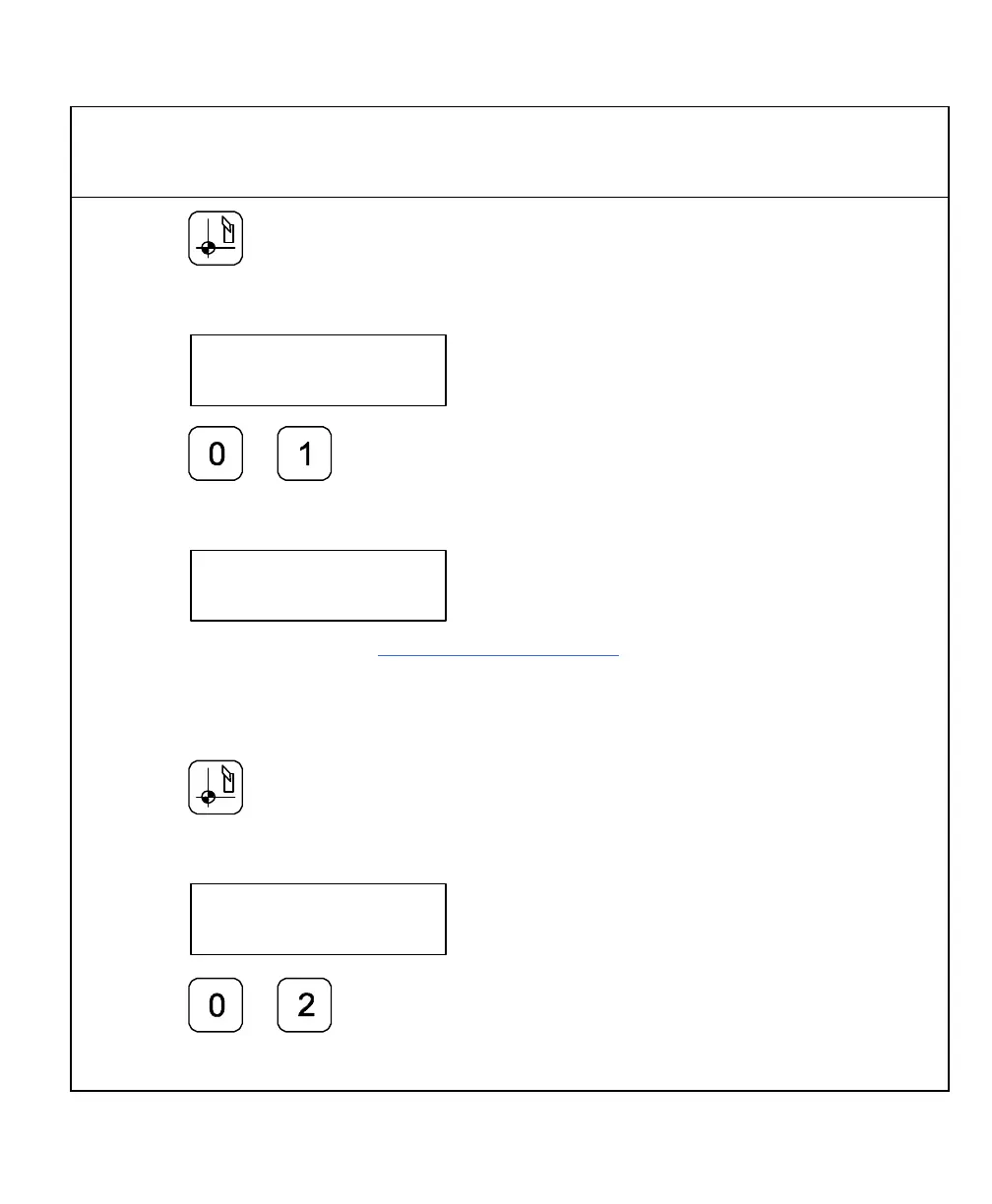
5. Press
The DRO displays the following in the message window:
6. Press
The DRO displays the following in the message window:
7. Establish a part zero using Absolute Zero Set – F 01.
Datum 1 is set.
8. Move the tool to the corner of part 2 (indicated by the black dot).
9. Press
The DRO displays the following in the message window:
10. Press



 To Next Page